67
DEEP LEARNING PLUS USER MANUAL
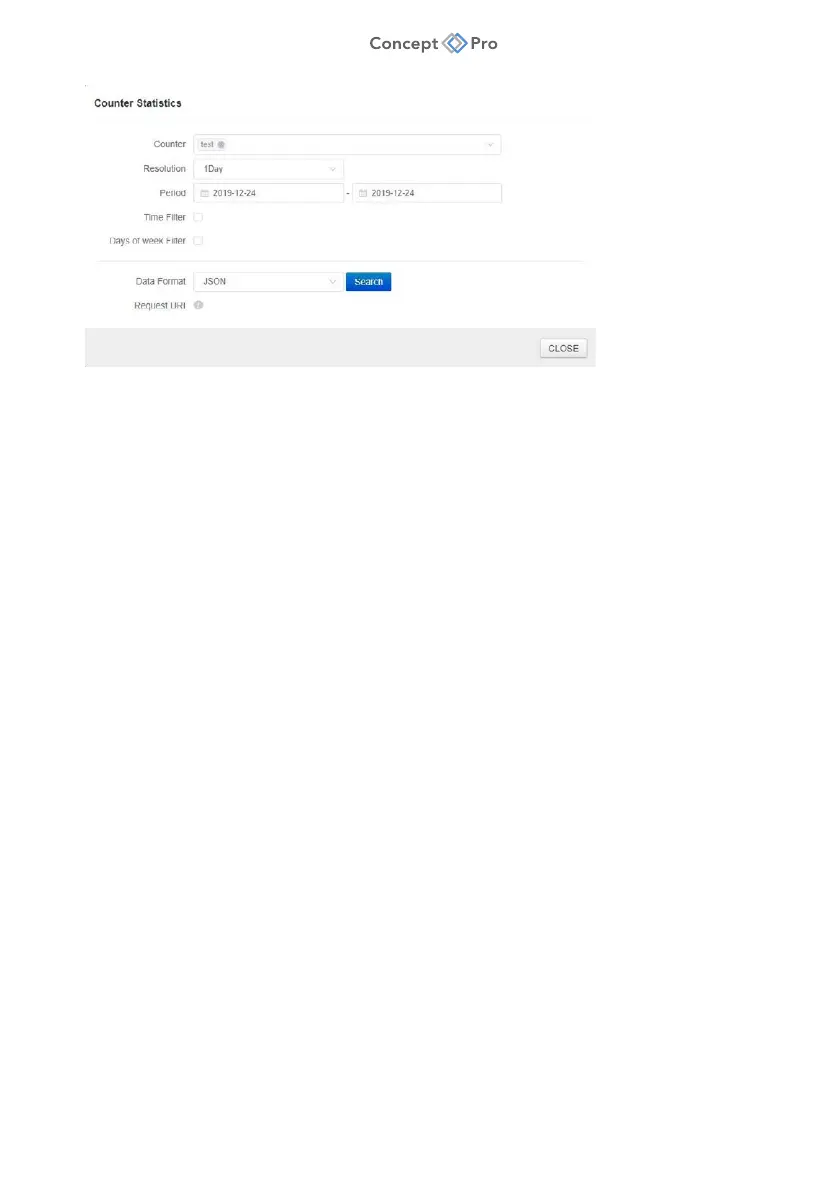
i. Counter: Select one or multiple DL Counters for review.
ii. Resolution: Select the time units to breakdown data
(5/15/30min/1hour/1day/1week/1month)
iii. Period: Select the start and end dates for statistical review.
iv. Time Filter: If selected, indicate a start and end time for statistical review (e.g., if
only data from business hours is desired for review).
v. Day of Week Filter: If selected, indicate the specific days that should be included
for statistic review (e.g., if only data from business days is desired for review).
vi. Data Format: Select the data format type (JSON/CSV).
vii. Search: Click to search and display counting data in JSON format.
viii. Download: Click to search and download counting data in CSV format.
ix. Request URL: Click to display the HTTP command URL to retrieve the data
remotely.
x. Response: Displays the raw JSON data.



 To Next Page