5. Each Component Function
66 User’s Manual
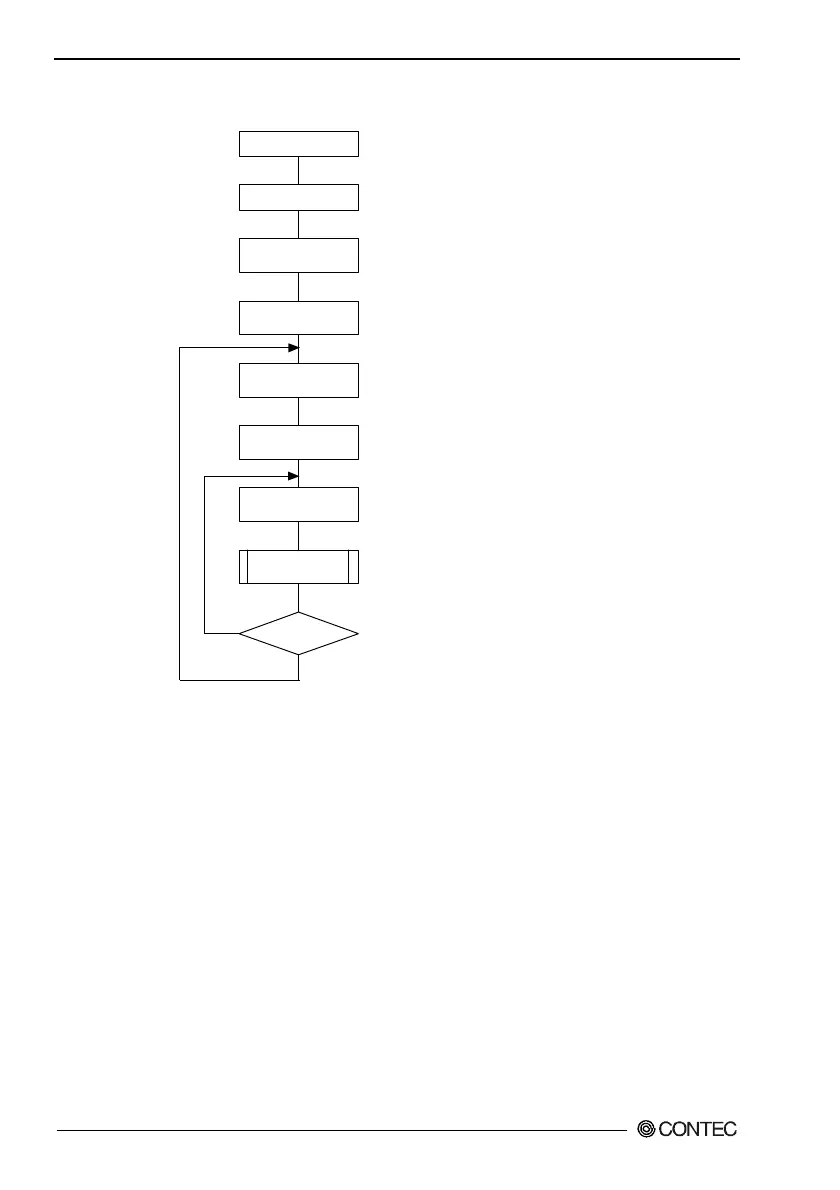
How to Use the Watchdog Timer
YES
*WDT: Watch Dog Timer
Read port 4002h, stop the WDT, and turn off alarm
output.
Output set data to port 4003h.
Output of A5h to port 4002h starts the WDT and output
of A5h to the same port clears the timer.
To modify the timer value during operation, the WDT
needs to be stopped temporarily.
...
...
...
...
Output data to ports 0070h and 0071h to set the
counter clock.
...
NO
Set counter
clock
BIOS setting
Power ON
Instruct
WDT to stop
Set timer value
Start & clear WDT
Modify timer
value?
Set event
output control
Application
Output data to ports 4001h and 4004h to set event
output mode and external alarm.
...
Figure 5.5. How to Use the Watchdog Timer
Example usage: To assign IRQ5 to the event whose counter clock
is 250ms and time-up value is 15sec:
Out 0070h 0Ah : Set the counter clock index register to
register A.
In 0071h : Read register A to view rsv bit status.
Out 0071h 2Dh : Set counter clock frequency to 250
msec.
: (Do not change the rsv bit.)



 To Next Page