5. Each Component Function
88 User’s Manual
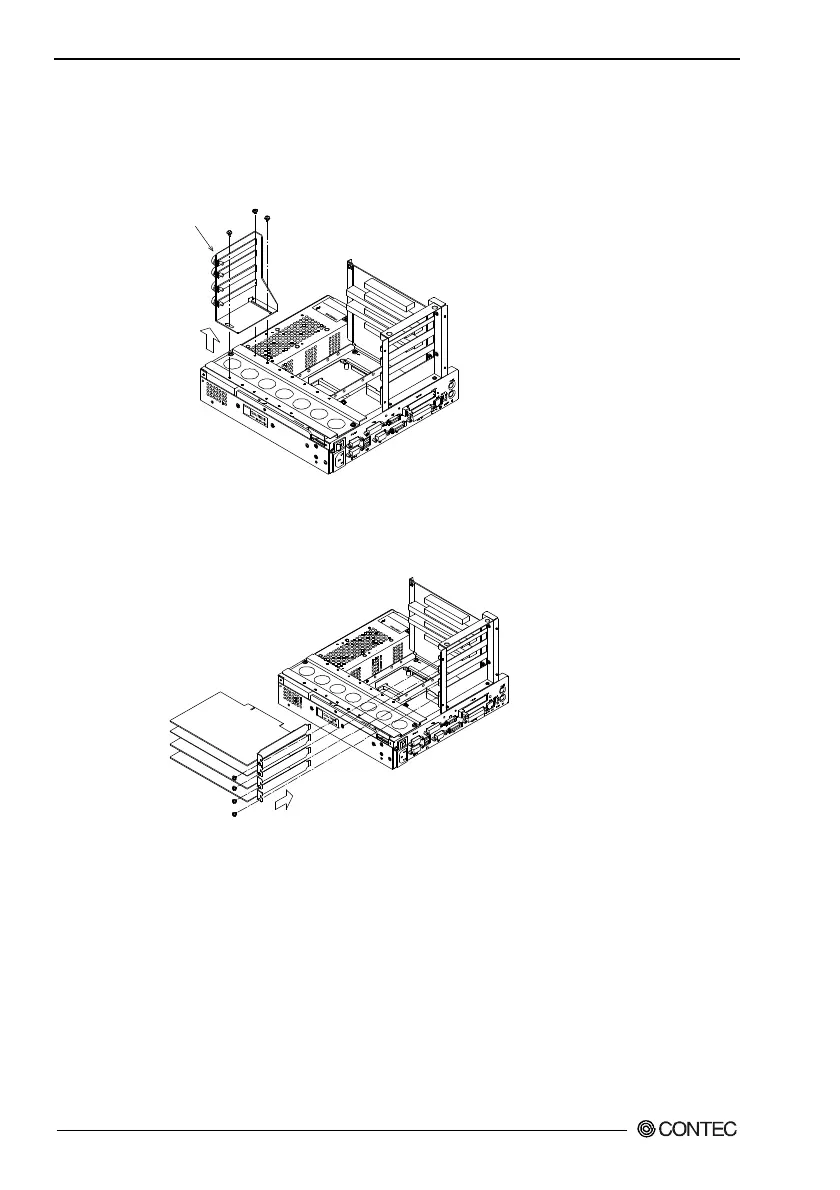
(3) Remove the brace that holds the printed circuit board (PCB)
down.
Remove the screws on the brace. The brace will separate
toward you.
PCB brace
Figure 5.32. Removing the PCB Brace 2
(4) Insert the board into the slot and fasten it with screws.
Figure 5.33. Installation of an Expansion Board
Note!
The upper two slots accept only PCI boards while the lower two
accept either PCI or ISA boards.
Insert the board into the PCI connector when installing a PCI
board or into the ISA connector when installing an ISA board.



 To Next Page