Genus G2 User Manual
UM3000-1
Revision E November 2017 12
Installation
The installation process proceeds with the bulleted items below. All installation steps are discussed in
the IG3000 Installation Guide, however, follow only those that apply to your installation requirements.
Wall Mount Installation & Recommended Height
Ethernet Connection
Power and UPS Connections
Close & lock the Terminal and Store the Key
Power Up
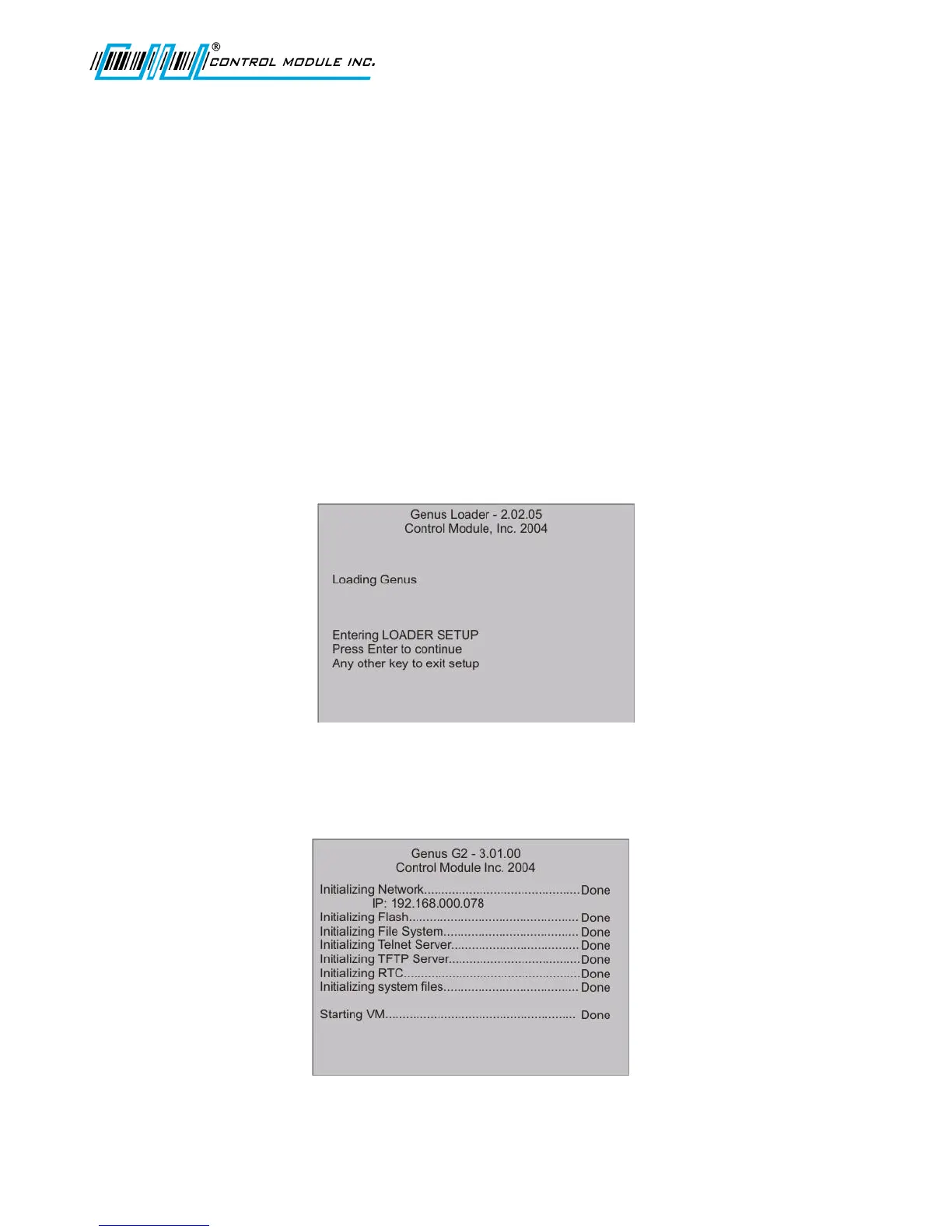
Once installation is complete and the terminal is plugged in, several displays with the following
messages appear in sequence during the normal G2 Terminal power-up process. In addition, during
power-up, the Genus G2 terminal executes an internal firmware test.
Genus Loader Display
Genus Loader will display with program and version numbers at the top of the screen.
For more information on the Loader Setup, refer to the reference section in this document.
Power-On Diagnostic Display
Genus G2 will display with program and version numbers at the top of the screen.



 To Next Page