Genus G2 User Manual
UM3000-1
Revision E November 2017 30
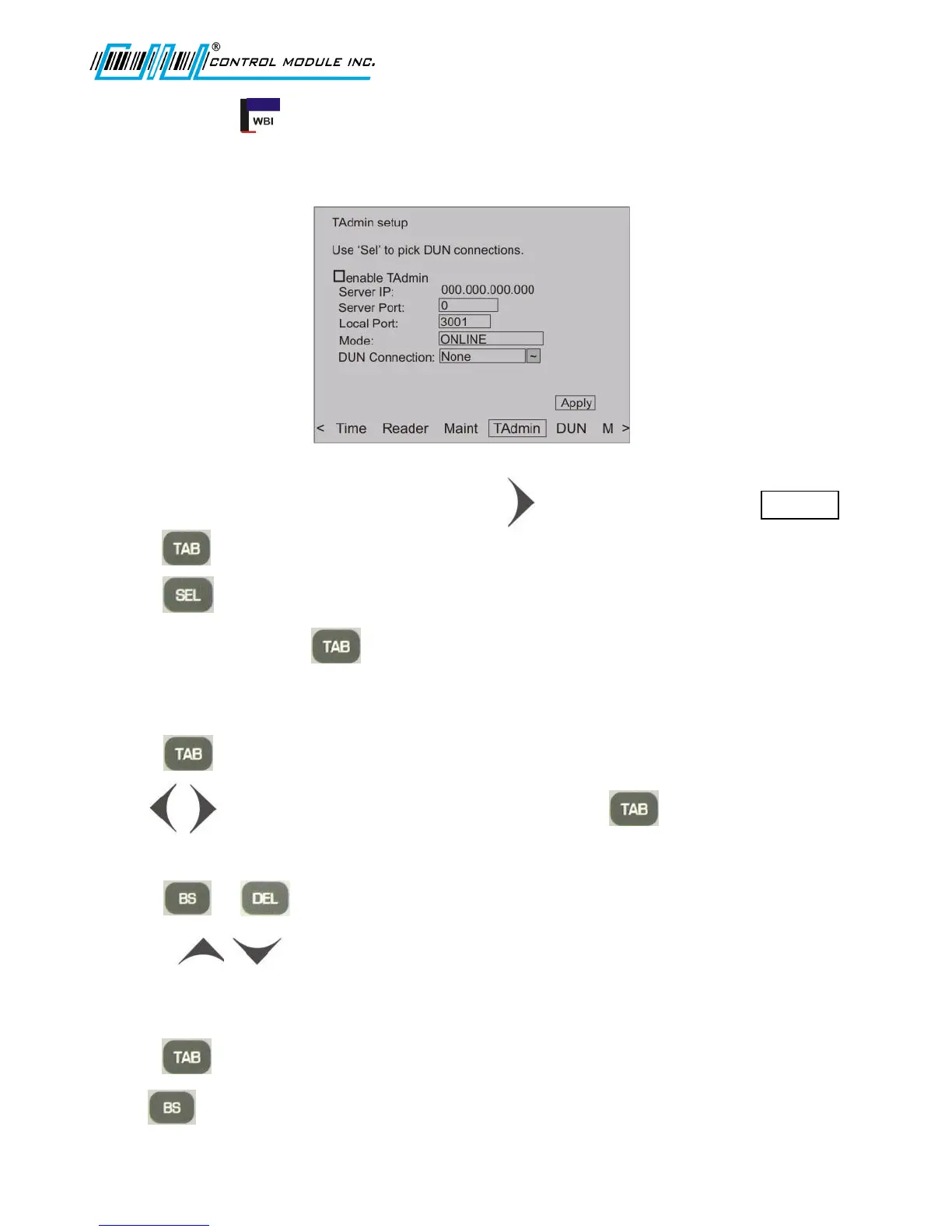
TAdmin Setup (Enable/Disable only)
Terminal Administration is used to configure host-side software and communication connections. This
is only required when working with CMI’s TAdmin host software.
1. From the options at the bottom of the display press to advance to and highlight TAdmin .
2. Press to advance to and highlight enable TAdmin.
3. Press to check to enable or uncheck to disable TAdmin.
4. If TAdmin is enabled, use to advance through the remainder of the fields.
Server IP
1. Press to highlight Server IP.
2. Use to move the cursor within and between the octets. can also be used to move
the cursor between the octets.
3. Press or to delete at the cursor location.
4. Use the arrows or numeric keypad to enter new values.
Server Port
1. Press to highlight Server Port.
2. Use to delete the field and use the numeric keypad to enter a new value.



 To Next Page