Genus G2 User Manual
UM3000-1
Revision E November 2017 43
Debugging
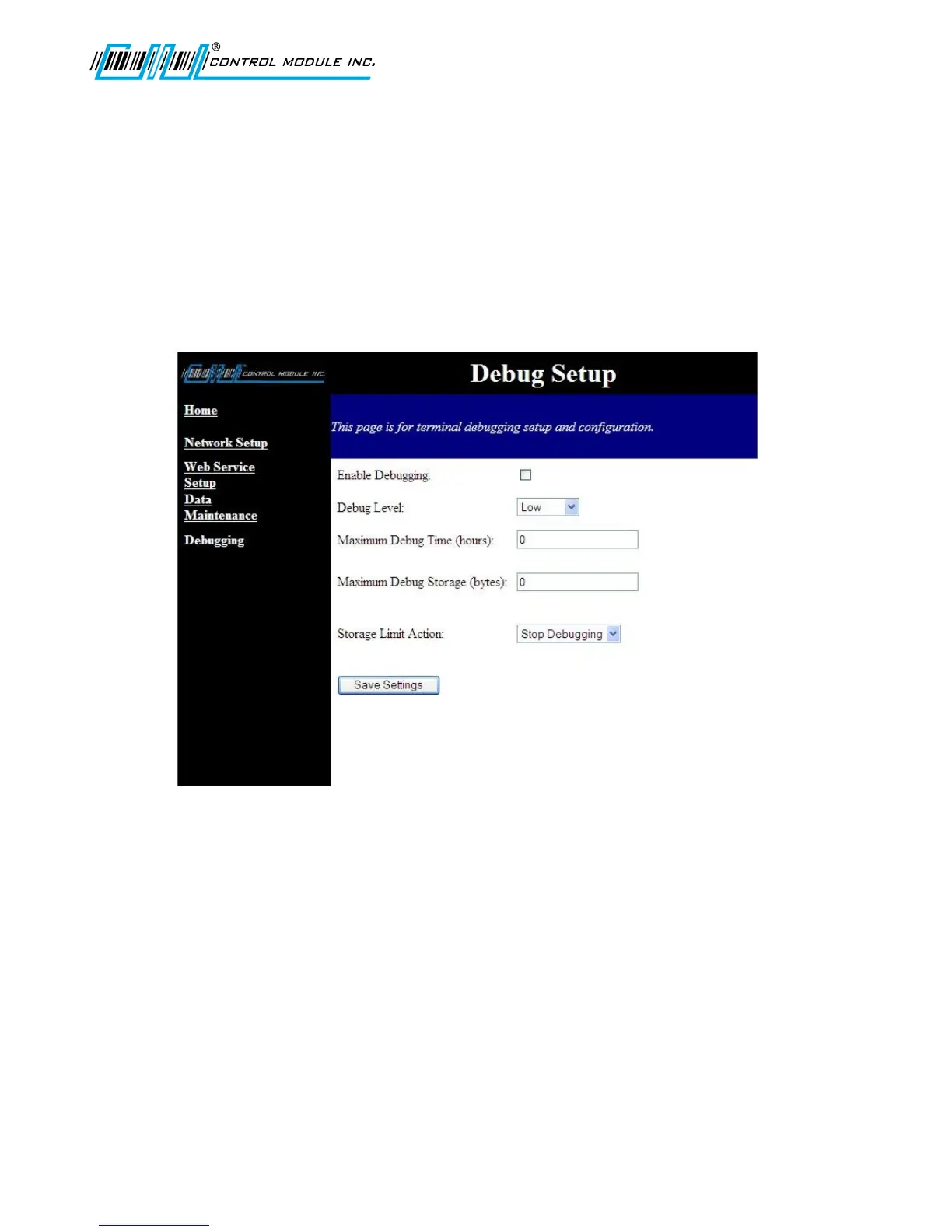
The Debug Setup page allows an administrator to enable application and system debugging.
Configurable options:
Enable/disable debugging
Max Debug Storage (bytes)
Note: The default location for the debug file is \ramdisk\errors.txt
Debug Level
This setting defines the minimum level of messages that will be logged. This only affects terminal
applications that utilize the debug levels. Debug messages without levels are always stored. The
debug priority levels include (Low, Medium, High, Severe) to write to the file.
Maximum Debug Time
This sets up the maximum amount of time in hours (x number of hours) to allow debugging to run.
When the time is reached, debugging is stopped. If set to zero, 0 = infinite. If the Terminal is
rebooted at any time, the debugging will stop.
Maximum Debug Storage
Specify the max size of the debug file in bytes, at which point the action taken is determined by
Storage Limit Action. If set to zero, it will continue to write until the ‘\ramdisk’ of the Terminal is full.
Storage Limit Action
Determines whether to Overwrite or to Stop Debugging when the Maximum Storage Bytes value has
been reached.



 To Next Page