Genus G2 User Manual
UM3000-1
Revision E November 2017 21
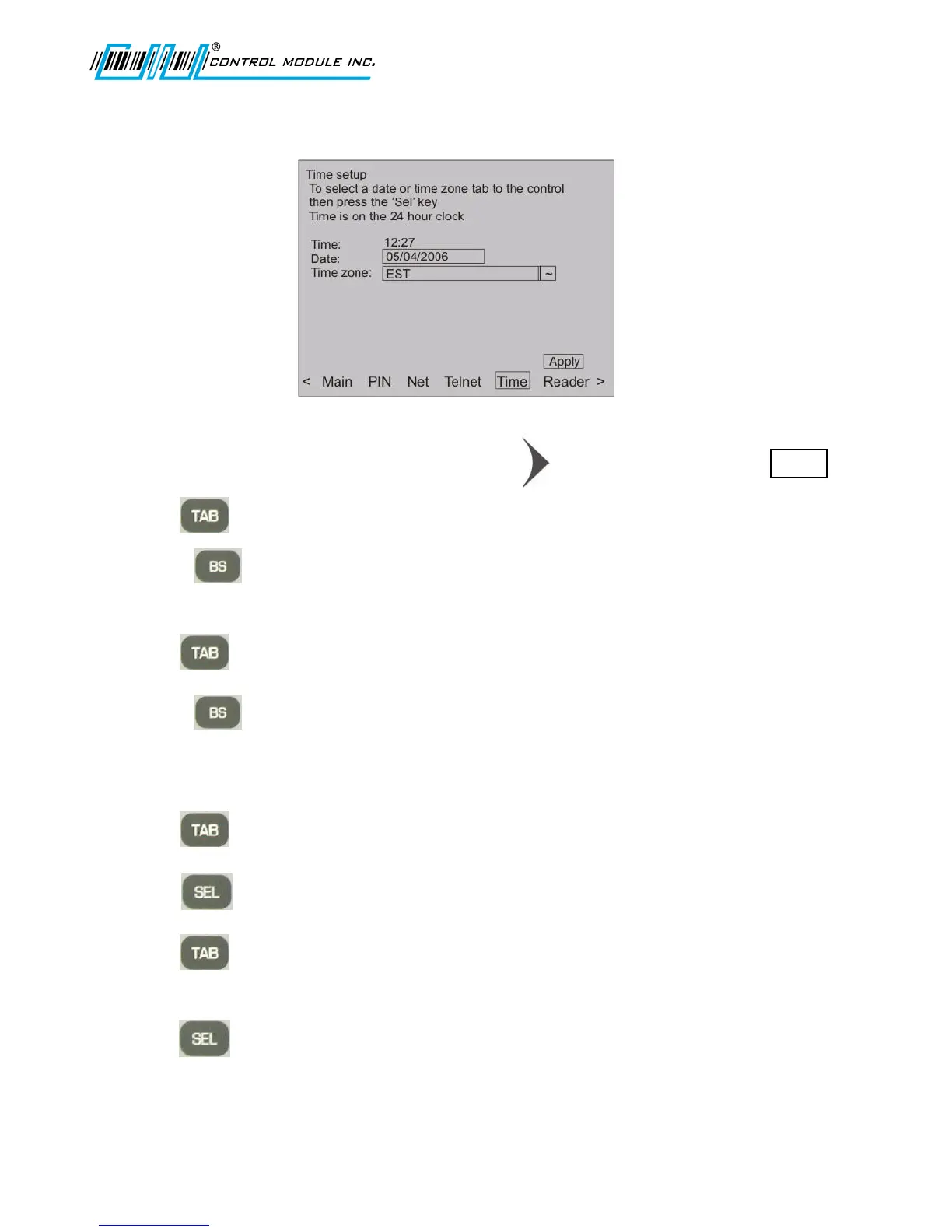
Time Setup
Time
1. From the options at the bottom of the display press to advance to and highlight Time .
2. Press to highlight the hour field (Time is set to a 24-hour clock).
3. Use the (backspace) key twice to delete the hour and enter the new hour (HH) using the
numeric keypad.
4. Press to highlight the minute field.
5. Use the (backspace) key twice to delete the minutes and enter in new minutes (MM)
using the numeric keypad.
Date- Month
6. Press to highlight the Date field.
7. Press to enter the calendar.
8. Press to highlight backward or forward arrows for month direction, at the top of the
screen.
9. Press to move between the months.



 To Next Page