Genus G2 User Manual
UM3000-1
Revision E November 2017 41
Clear RAM
This will clear the ‘\ramdisk’ on the terminal, typically erasing transaction data.
A warning message for loss of data and transactions will display if the Clear RAM button is selected.
Note: After a Clear RAM, the Terminal requires two complete power cycles for this command to be
effective. This requires removing the power to the Terminal, then re-connecting power and
waiting until the Terminal completely cycles back to its power-on state.
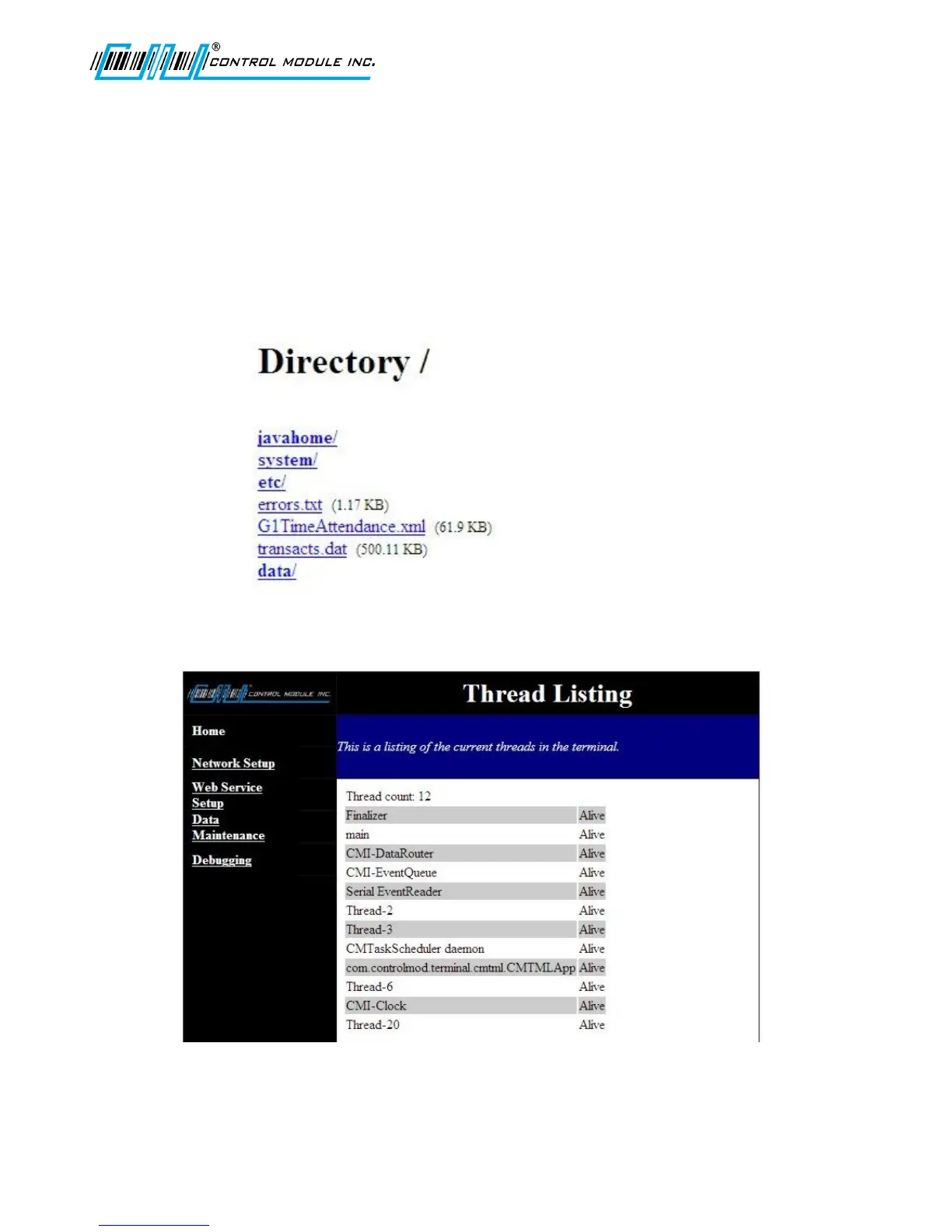
Directory Listing
The Directory Listing allows you to view files and directories that currently reside in the ‘\ramdisk’ on
the terminal. This is a sample directory. Your directory list may differ.
Thread Listing
The Thread Listing will display all active threads in the Terminal that are currently running. This is a
sample screen. Your display of active threads may differ.



 To Next Page