Genus G2 User Manual
UM3000-1
Revision E November 2017 23
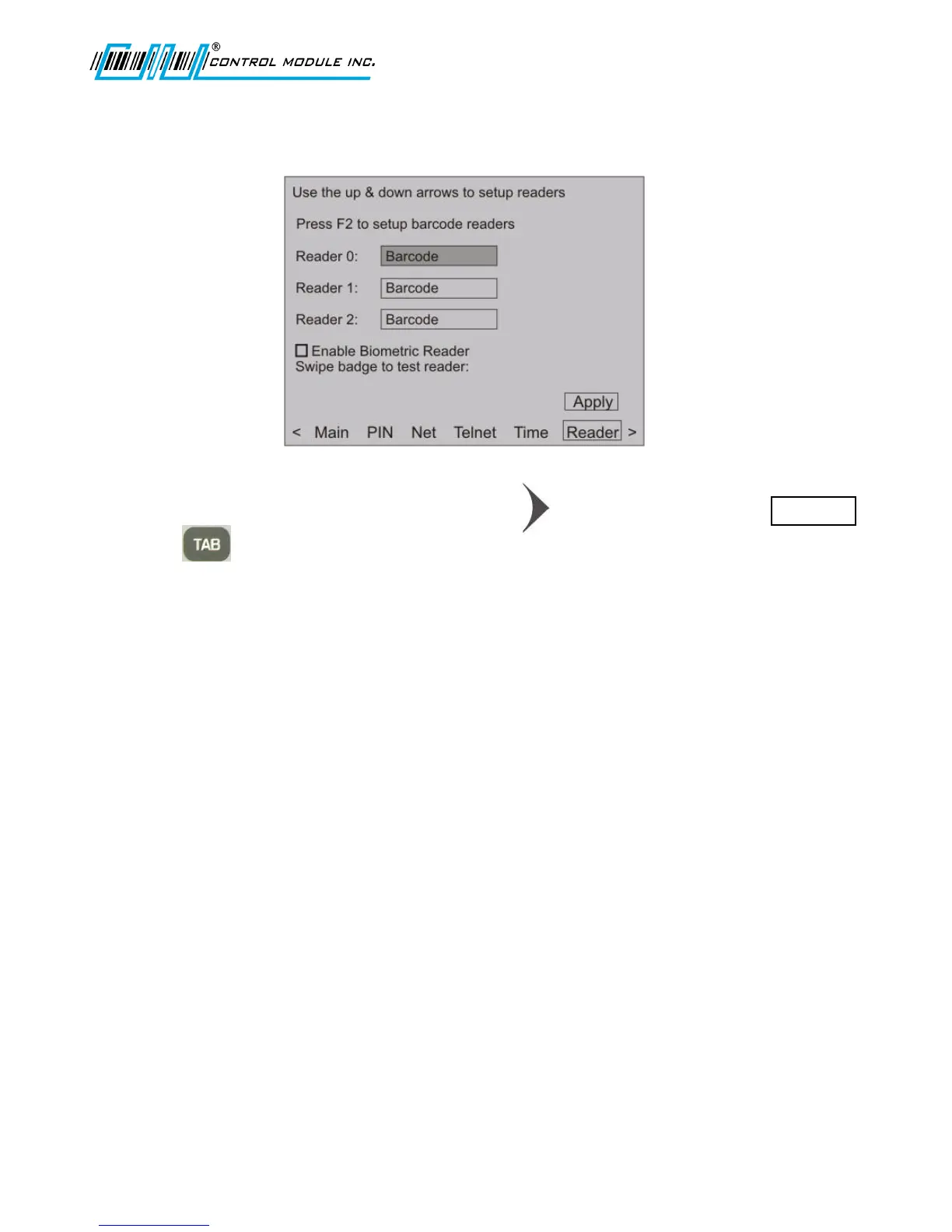
Reader Setup
1. From the options at the bottom of the display press to advance to and highlight Reader.
2. Press to highlight the active field for Reader 0, Reader 1 or Reader 2.
Reader 0 corresponds to the internal connection for Barcode or Magnetic readers
located on the right side of the G2 Terminal when looking at the Terminal
front.
Reader 1 corresponds to the internal connection for Proximity or Smartcard readers
located on the left side of the G2 Terminal when looking at the Terminal
front.
Note: Reader 1 can also correspond to the external reader port when
configured for Proximity or Smartcard readers. For questions
regarding the configuration of an external reader, contact CMI’s
Technical Support.
Reader 2 Not used at this time.
Note: Biometric reader configuration is handled separately after the barcode section.



 To Next Page