Genus G2 User Manual
UM3000-1
Revision E November 2017 26
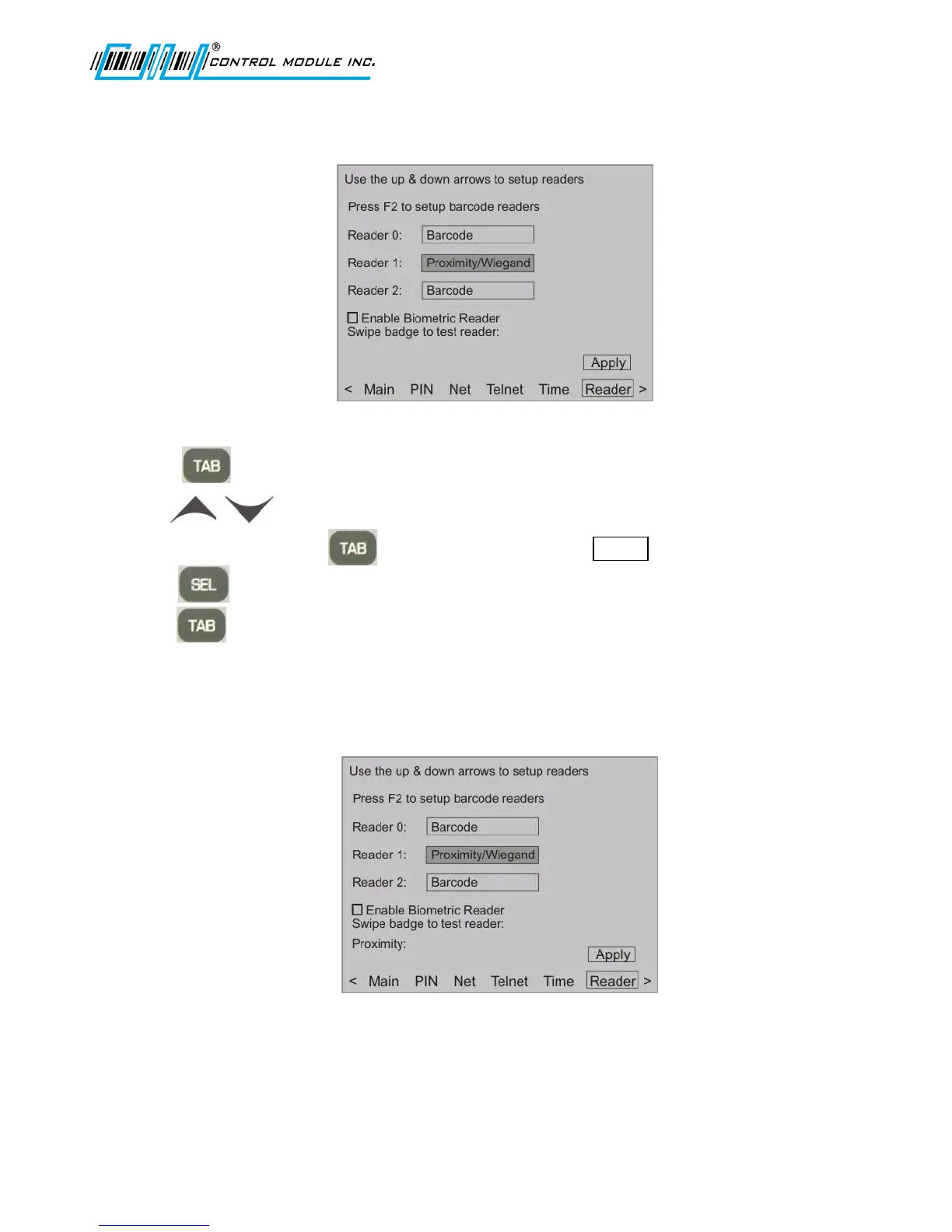
Proximity/Wiegand Setup
1. Press to highlight the active field for Reader 1.
2. Use to set the type of reader for Proximity Wiegand.
3. To accept changes, press to advance to and highlight Apply, and
press to save settings.
4. Press to return to Main Menu at the bottom of the screen.
Note: When the Proximity reader is tested while in Offline Mode, the data will be visible after the
Proximity prompt. Proximity data location is shown below



 To Next Page