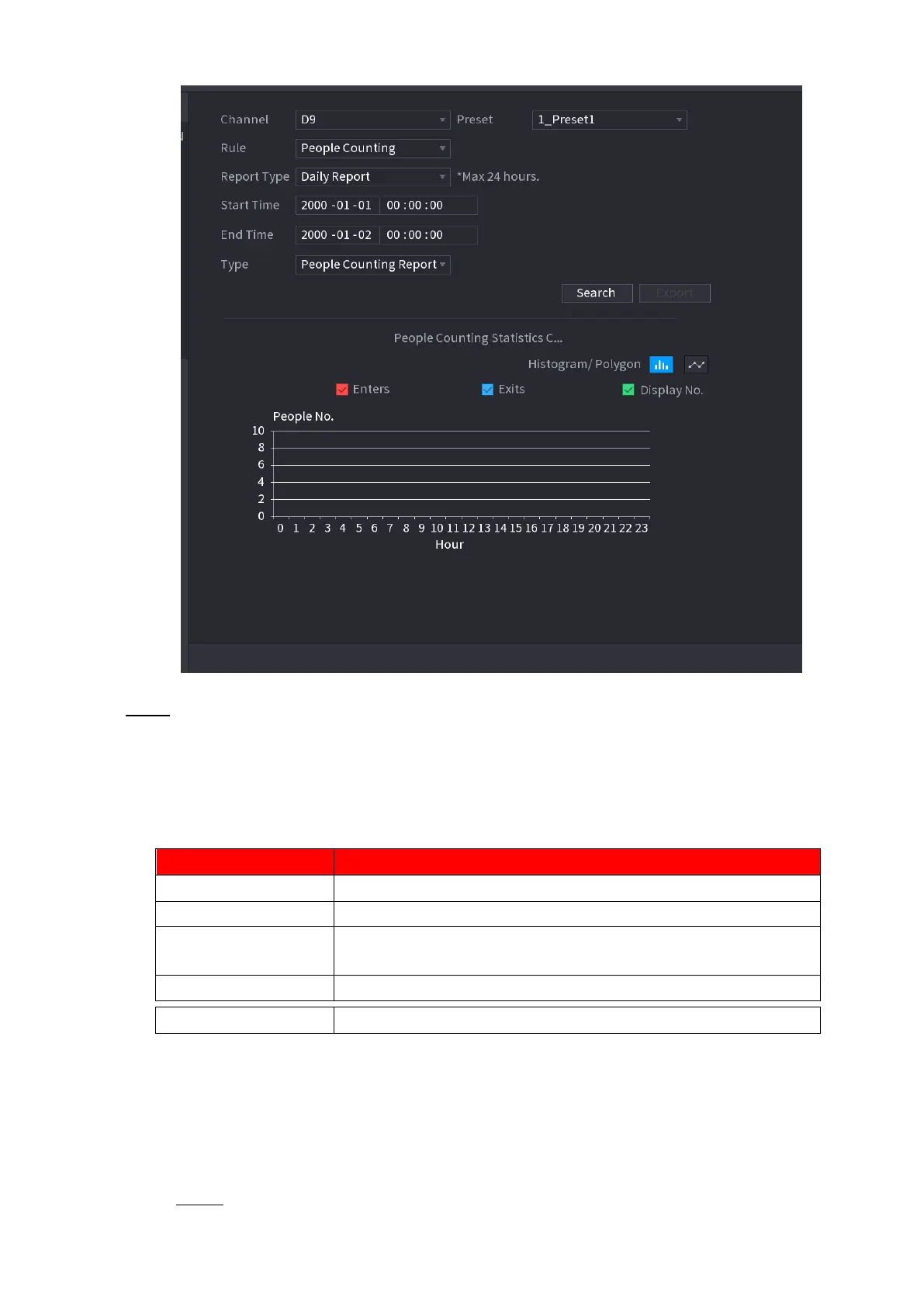
⚫ Step 2 Set parameters such as channel, report type, start time, end time, etc. See Table 1-25.
⚫
⚫
⚫ Table 1-25
Select the channel you want to search people amount.
Select the rule from the dropdown list.
Select report type from the dropdown list: daily report, monthly
report, yearly report.
Set search start time and end time.
Select from the dropdown list.
1.7.1.8 Heat map
⚫ You can detect the active objects distribution in the monitor zone during the specified period, and use different
colors to display on the heat map report.
1.7.1.8.1 Normal
Step 1 Select Main Menu > AI > SMART SEARCH > HEAT MAP > NORMAL.



 To Next Page