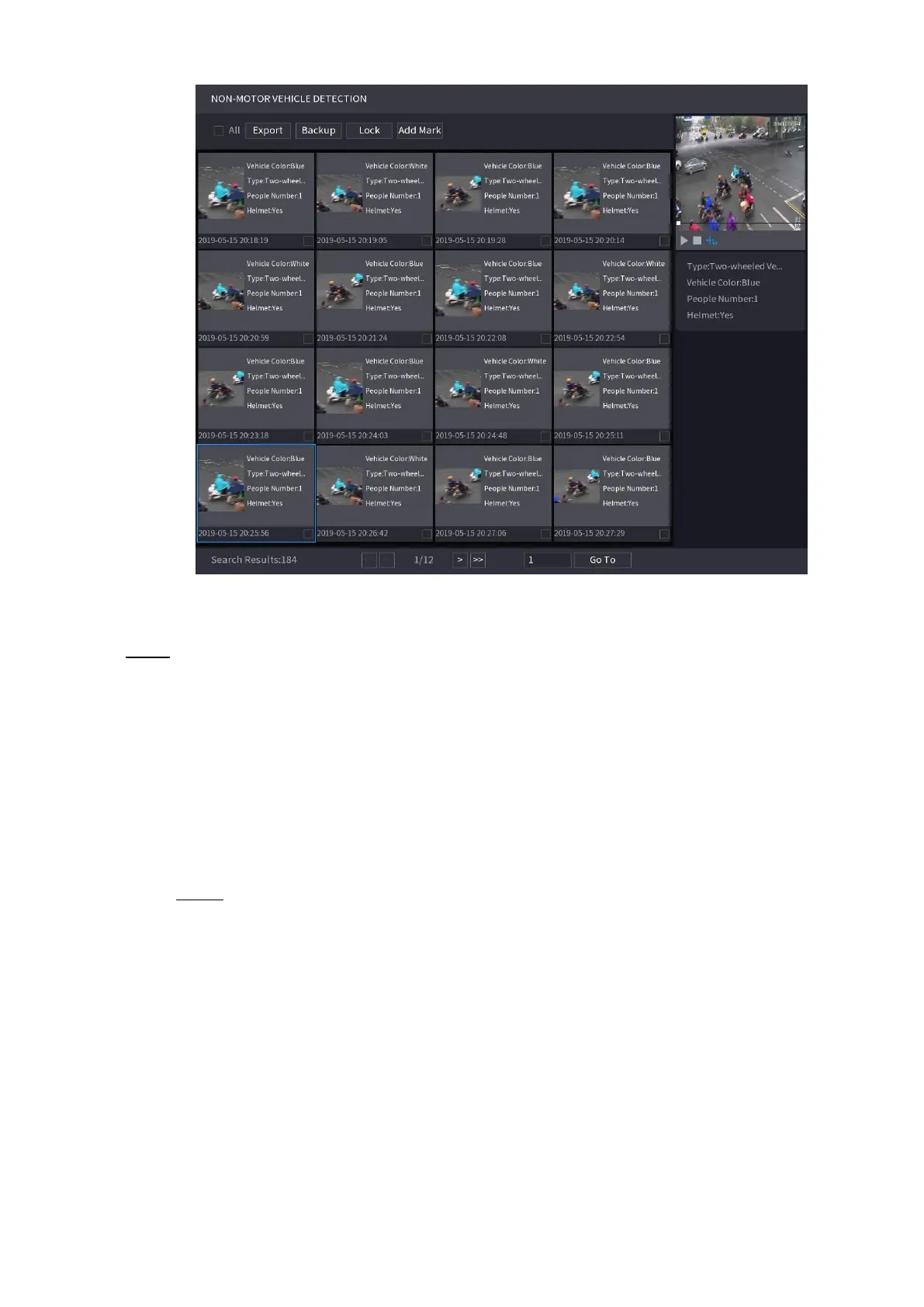
⚫ Step 4 Select one or multiple results, and then you can
⚫ To back up the recorded files to the external storage device, select files, click
⚫ Backup select the save path and file type, and then click Start.
⚫ To lock the files to make it unable to be overwritten, select the files, and then click Lock.
⚫ To add a mark to the file, select the files and then click Add Mark.
1.7.1.7 People Counting
You can detect the people amount in the specified zone and display the statistics image.
Step 1 Select Main Menu > AI > SMART SEARCH > PEOPLE COUNTING.
The PEOPLE COUNTING interface is displayed. See Figure 1-117.
⚫ Figure 1-117



 To Next Page