⚫ Click to delete the preset.
⚫ Click Add to add a preset.
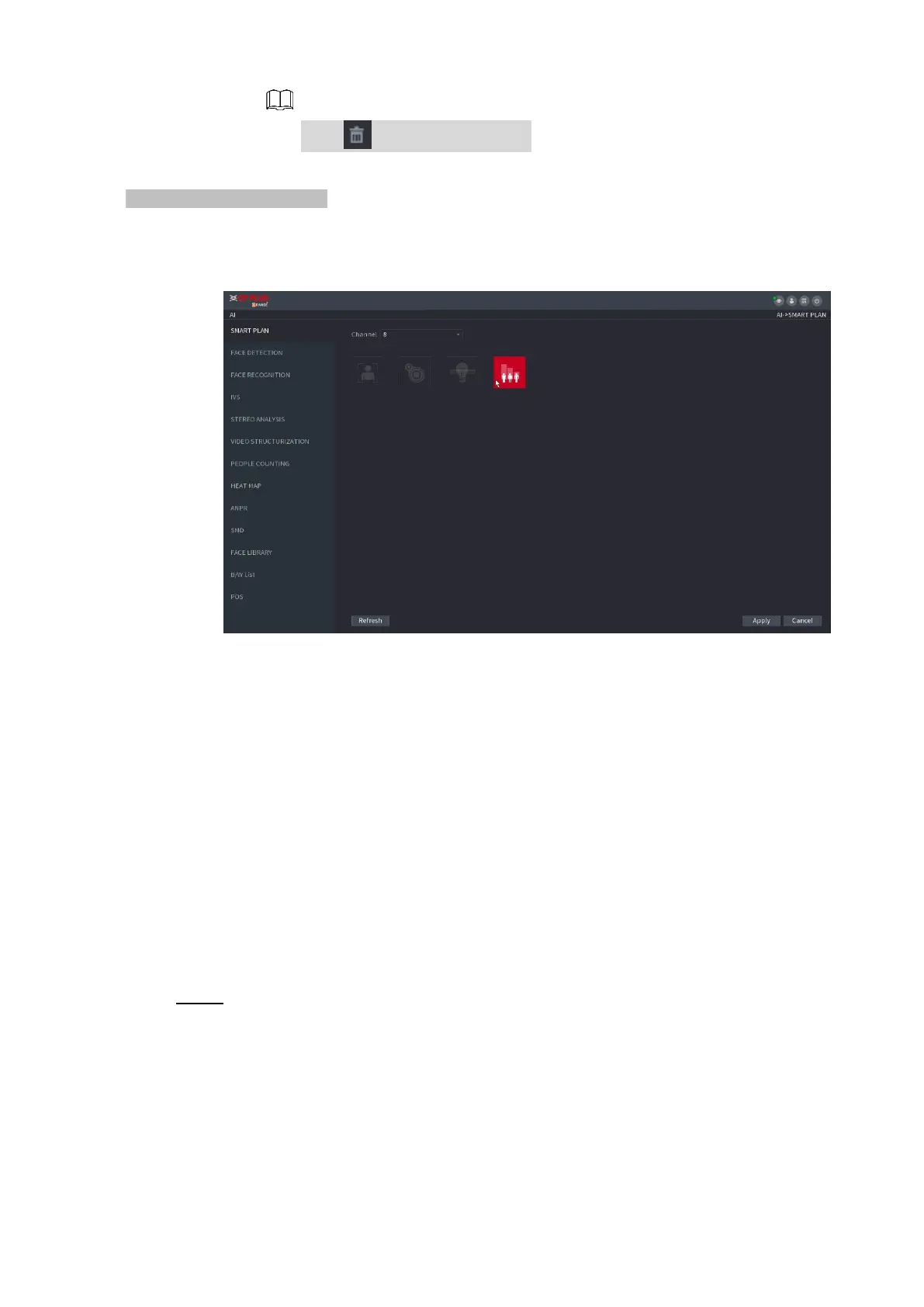
⚫ Once the remote device does not support preset function, the interface is shown as in Figure 1-122.
⚫ Figure 1-122
1) Select a channel.
2) Click the smart plan icon. The icon becomes blue highlighted.
3) Click Apply.
1.7.2.2 Face Detection
⚫ The Device can analyze the pictures captured by the camera to detect whether the faces are on the
pictures. You can search and filter the recorded videos the faces and play back.
Preparations
⚫ The connected camera shall support human face detection function.
Step 1 Select Main Menu > AI > PARAMETERS > FACE DETECTION.
The FACE DETECTION interface is displayed. See Figure 1-123.



 To Next Page