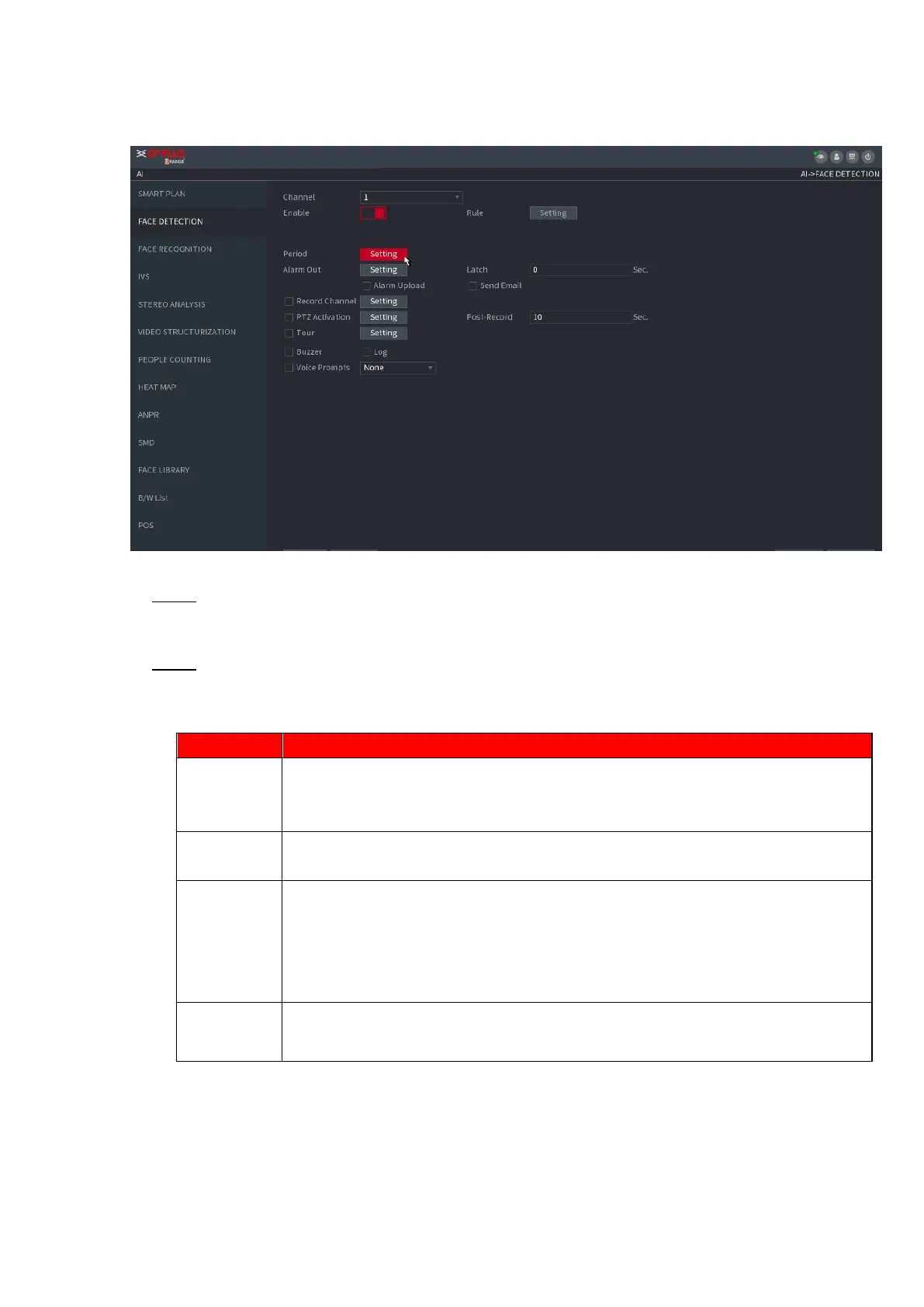
⚫ Figure 1-123
⚫ Step 2 In the Channel list, select a channel that you want to configure face detection function, and then
enable it.
⚫ Step 3 Configure the parameters. See Table 1-26.
⚫ Table 1-26
This series NVR products support AI by Camera only. AI by Camera means the
connected camera does all the AI analytics, and then gives the results to the
NVR.
Check the box to enable Face RoI function, system displays human face at the
enhanced way.
Click Setting to draw areas to filter the target.
You can configure two filtering targets (maximum size and minimum size). When
the target is smaller than the minimum size or larger than the maximum size, no
alarms will be activated. The maximum size should be larger than the minimum
size. Left click to drag the four angles to adjust the size.
Configure the period and in the set time range, the corresponding configuration
item will be linked to start the alarm.



 To Next Page