tree branches, shadow, mosquito and bugs. Do not use the IVS function in the backlight environment,
avoid direct sunlight.
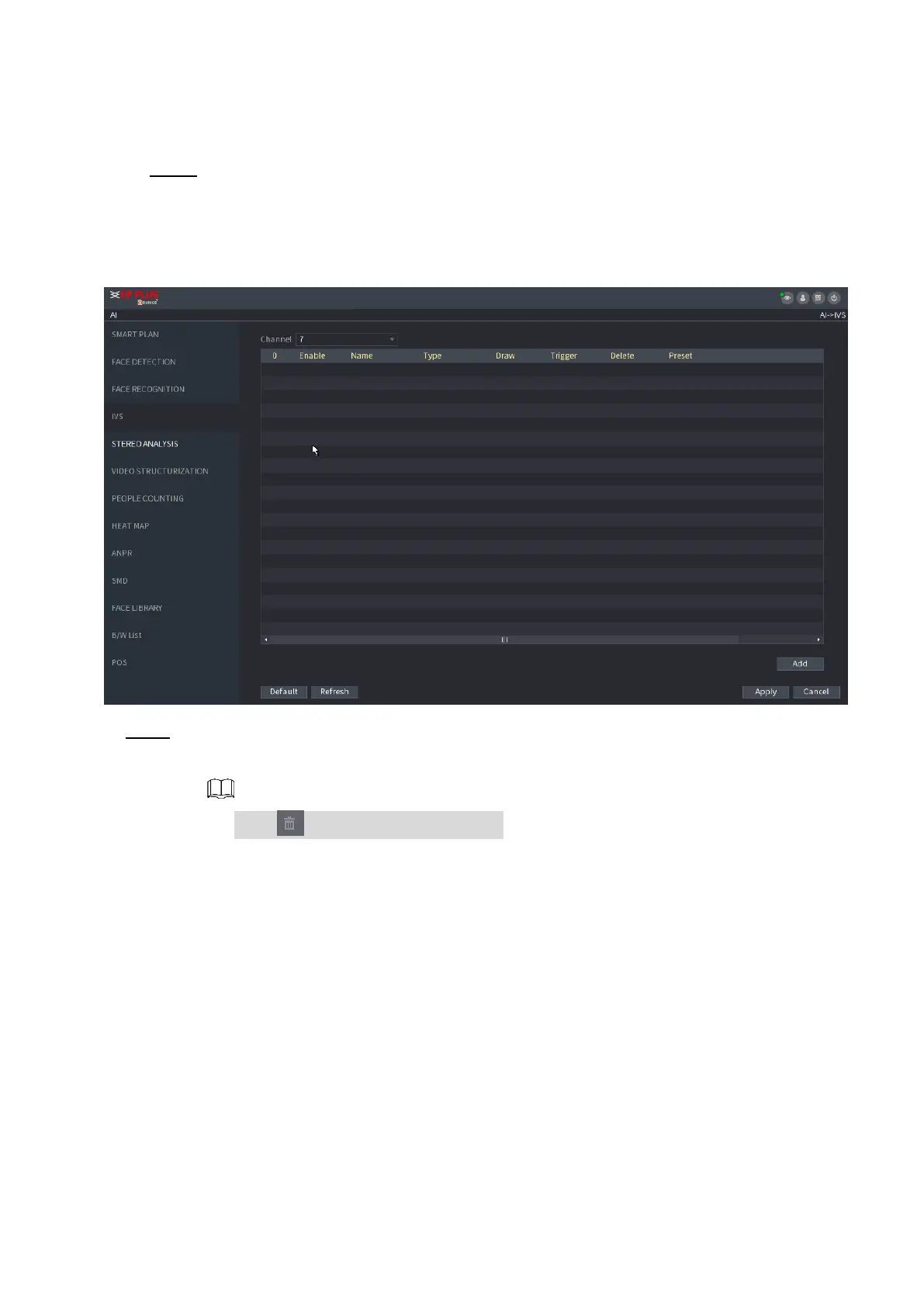
Step 1 Select Main Menu > AI > PARAMETERS > IVS.
⚫ The IVS interface is displayed. See Figure 1-127.
⚫ Figure 1-127
⚫ Step 2 Select a channel from the dropdown list.
⚫ Click Add and then set corresponding rule. See Figure 1-128.
⚫ Click to delete the selected rule.
⚫
⚫
⚫
⚫
⚫
⚫
⚫
⚫
⚫
⚫
⚫



 To Next Page