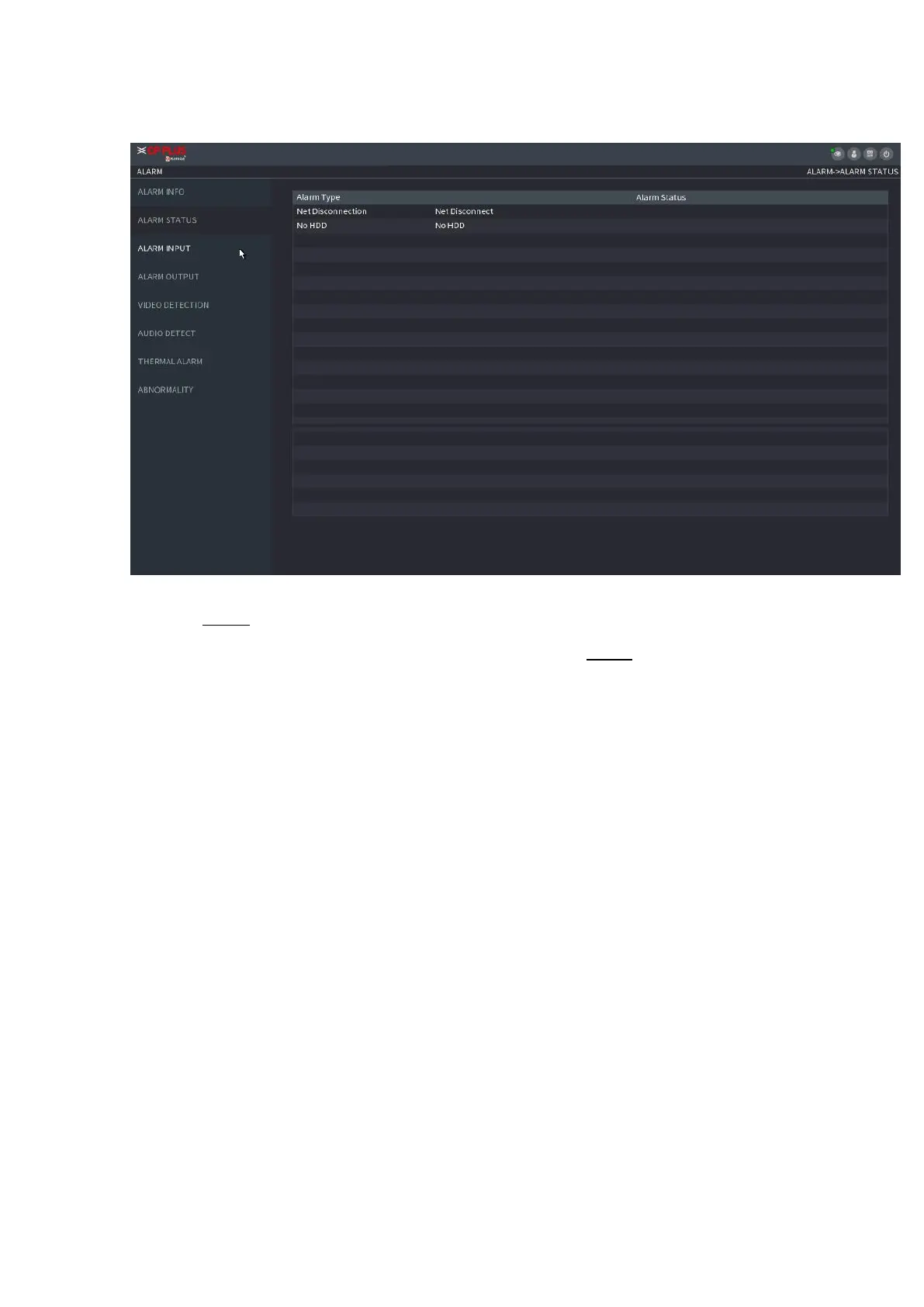
⚫ Figure 1-164
1.8.3 Alarm Input
Step 1 Select Main menu > ALARM > ALARM INPUT,
⚫ The ALARM INPUT interface is displayed. See Figure 1-165. Step 2 There are four alarm types.
⚫ Local alarm: After connecting the alarm device to the NVR alarm input port, system can trigger the
corresponding alarm operations when there is alarm signal from the alarm input port to the NVR.
⚫ Network alarm: NVR trigger corresponding alarm operations when it receives the alarm signal via the
network transmission.
⚫ IPC external alarm: When the network camera connected peripheral device has triggered an alarm, it can
upload the alarm signal to the NVR via the network transmission. The system can trigger the corresponding
alarm operations.
⚫ IPC offline alarm: When the network connection between the NVR and the network camera is off, the
system can trigger the corresponding alarm operations.
⚫
⚫
⚫
⚫
⚫
⚫
⚫



 To Next Page