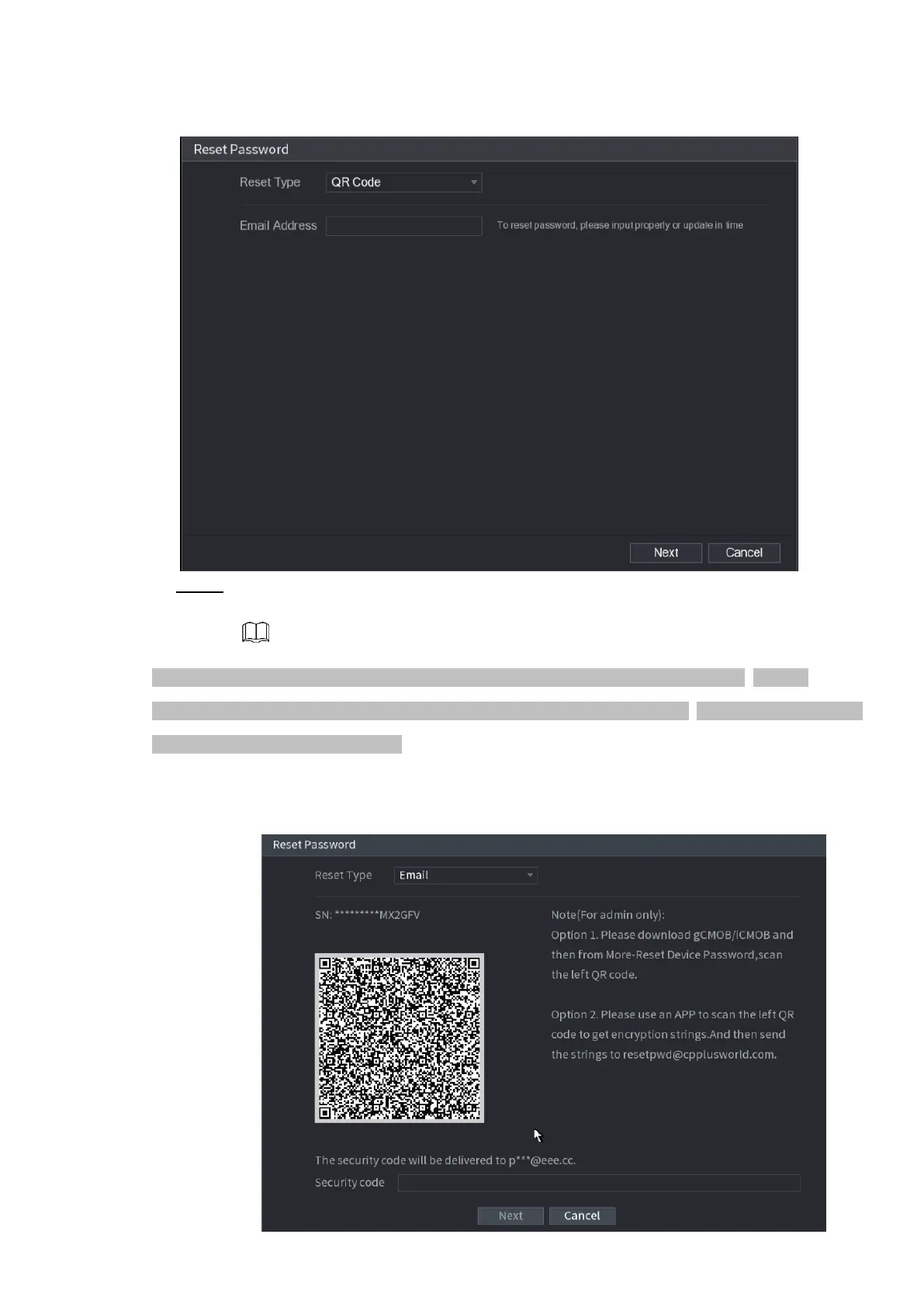
⚫ Figure 1-9
Step 3 Click Next.
The Reset Password interface is displayed. See Figure 1-10.
⚫ After clicking Next, the system will collect your information for password reset, purpose and the
information includes but not limited to email address, MAC address, and device serial number. Read the
prompt carefully before clicking Next.
⚫ Figure 1-10
⚫



 To Next Page