⚫ Step 4 Reset the password.
⚫ QR code
⚫ Follow the onscreen instructions to get the security code in your reserved email address. In the Security
code box, enter the security code.
⚫ You can get the security code twice by scanning the same QR code. If you need to get the security code
once again, refresh the interface.
⚫ Use the security code received in your email box to reset the password within 24 hours; otherwise the
security code becomes invalid.
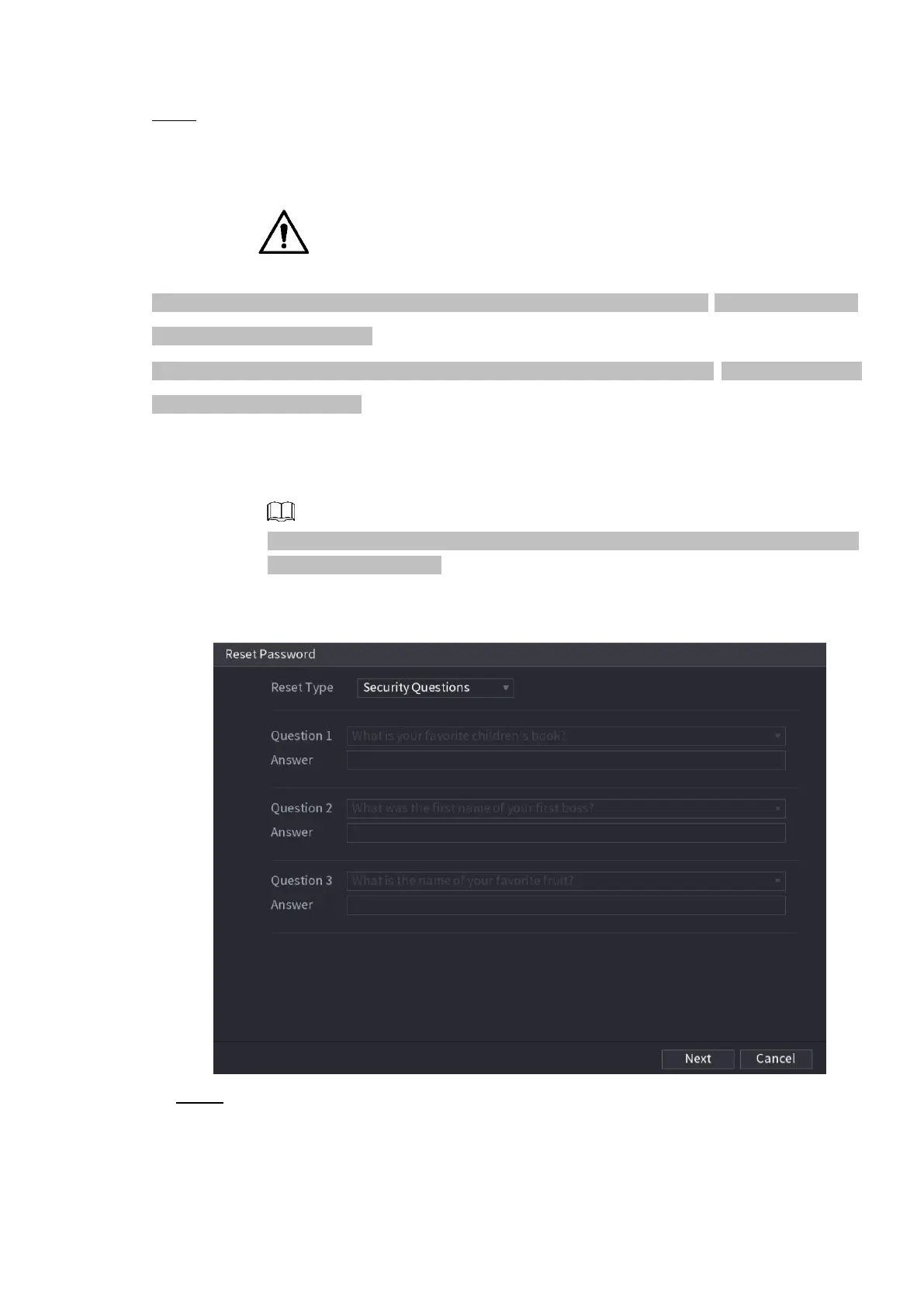
⚫ Security questions
On the Reset password interface as shown in Figure 1-11, in the Reset Type list,
select Security Questions, the Security Questions interface is displayed.
If you did not configure the security questions before, in the Reset Type list, there is
no Security Questions.
⚫ Figure 1-11
Step 5 Click Next.
The Reset Password interface is displayed. See Figure 1-12.



 To Next Page