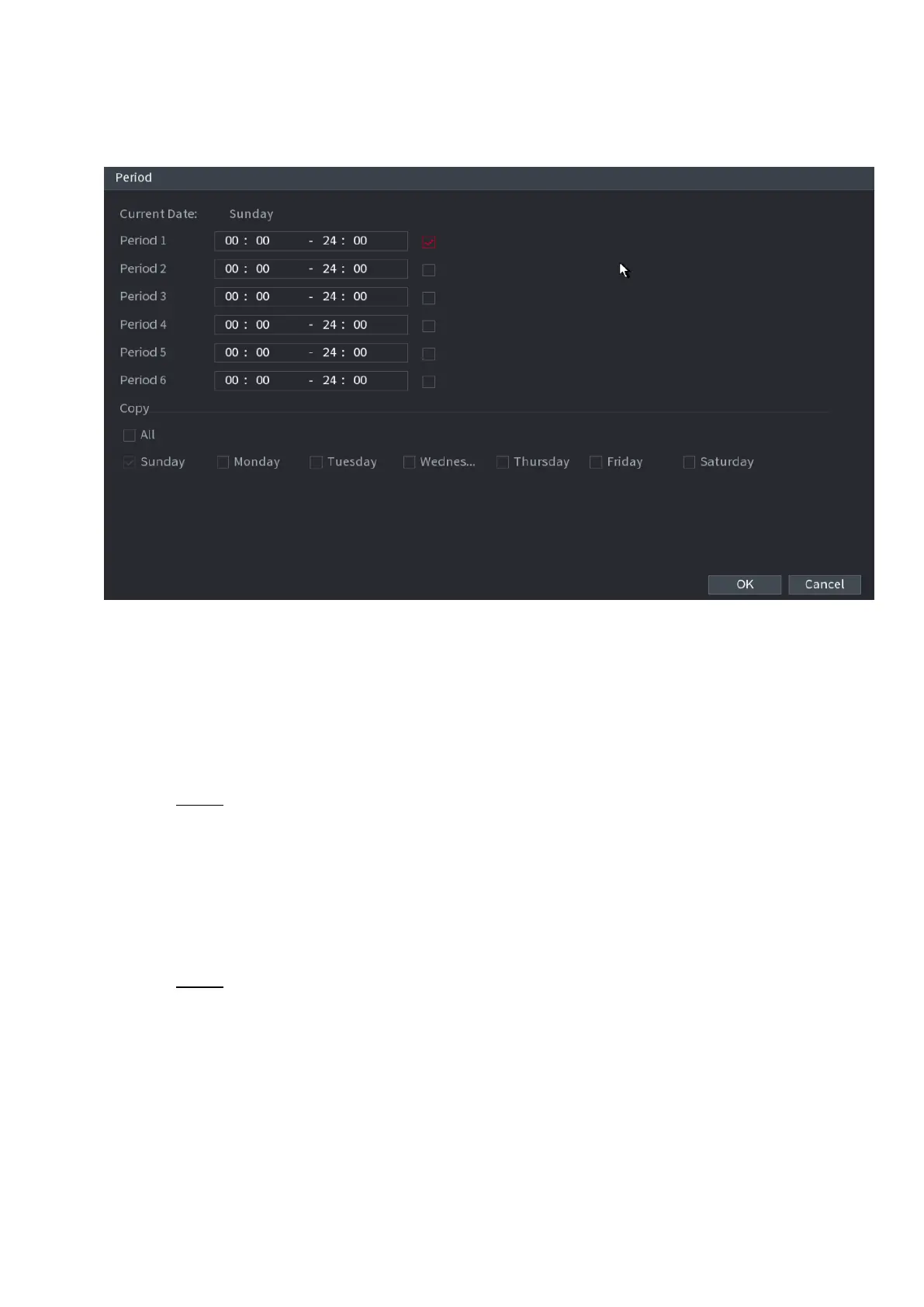
⚫ The Period interface is displayed. See Figure 1-170.
⚫ Figure 1-170
2) Enter the time frame for the period, and then select the check box to enable the settings.
⚫ There are six periods for you to set for each day.
⚫ Under Copy, select All to apply the settings to all the days of a week, or select specific day(s) that you
want to apply the settings to.
3) Click OK to save the settings.
Step 3 On the Motion Detect interface, click Apply to complete the settings.
1.8.5.2 Tampering
⚫ When the camera lens is covered, or the video is displayed in a single color because of sunlight status, the
monitoring cannot be continued normally. To avoid such situations, you can configure the tampering alarm
settings.
Step 1 Select Main Menu > ALARM > VIDIEO DETECTION > Tampering.
⚫ The Tampering interface is displayed. See Figure 1-171.



 To Next Page