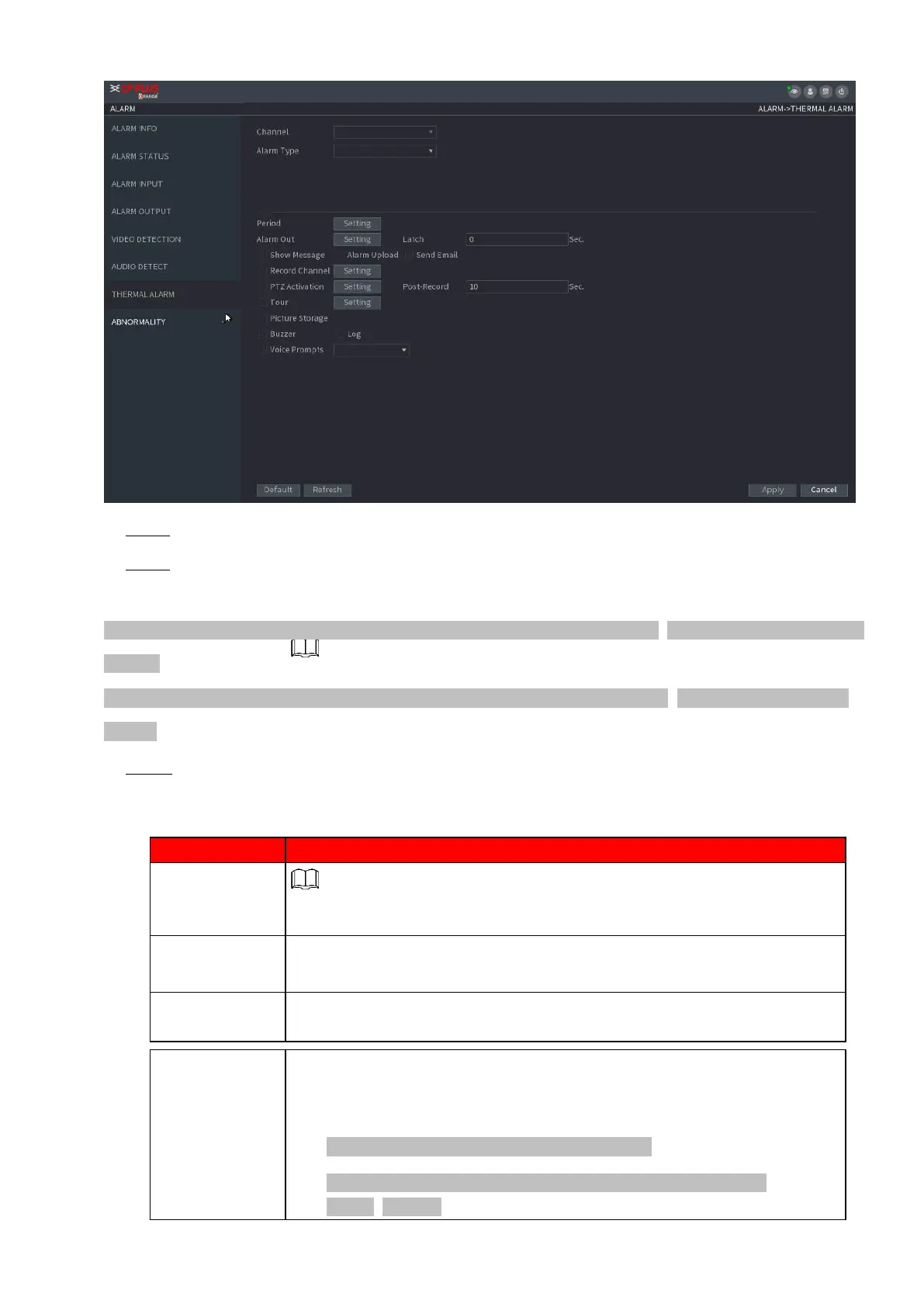
⚫ Step 2 Select a channel and alarm type, enable the thermal alarm function.
⚫ Step 3 Select fire mode and then enable this function (If the alarm type is Fire Alarm). System supports
preset mode and zone excluded mode.
⚫ Preset: Select a preset and then enable the function. System generates an alarm once it detects there is a fire.
⚫ Global: System filters the specified high temperature zone. System generates an alarm once the rest zone
has fire.
⚫ Step 4 Set parameters. See Table 1-48.
⚫ Table 1-48
The alarm device (such as lights, sirens, etc.) is connected to the alarm
output port. When an alarm occurs, the NVR device transmits the alarm
information to
the alarm device.
When the alarm ends, the alarm extended for a period. The time range is
from 0 seconds to 300 seconds.
Check box to enable a pop-up message in your local host PC.
Select the check box. When an alarm occurs, the NVR device uploads an
alarm signal to the network (including the alarm center).
⚫ This function is for some series products only.
⚫ You need to set the alarm center first. For details, see "1.12.9
Alarm Centre."



 To Next Page