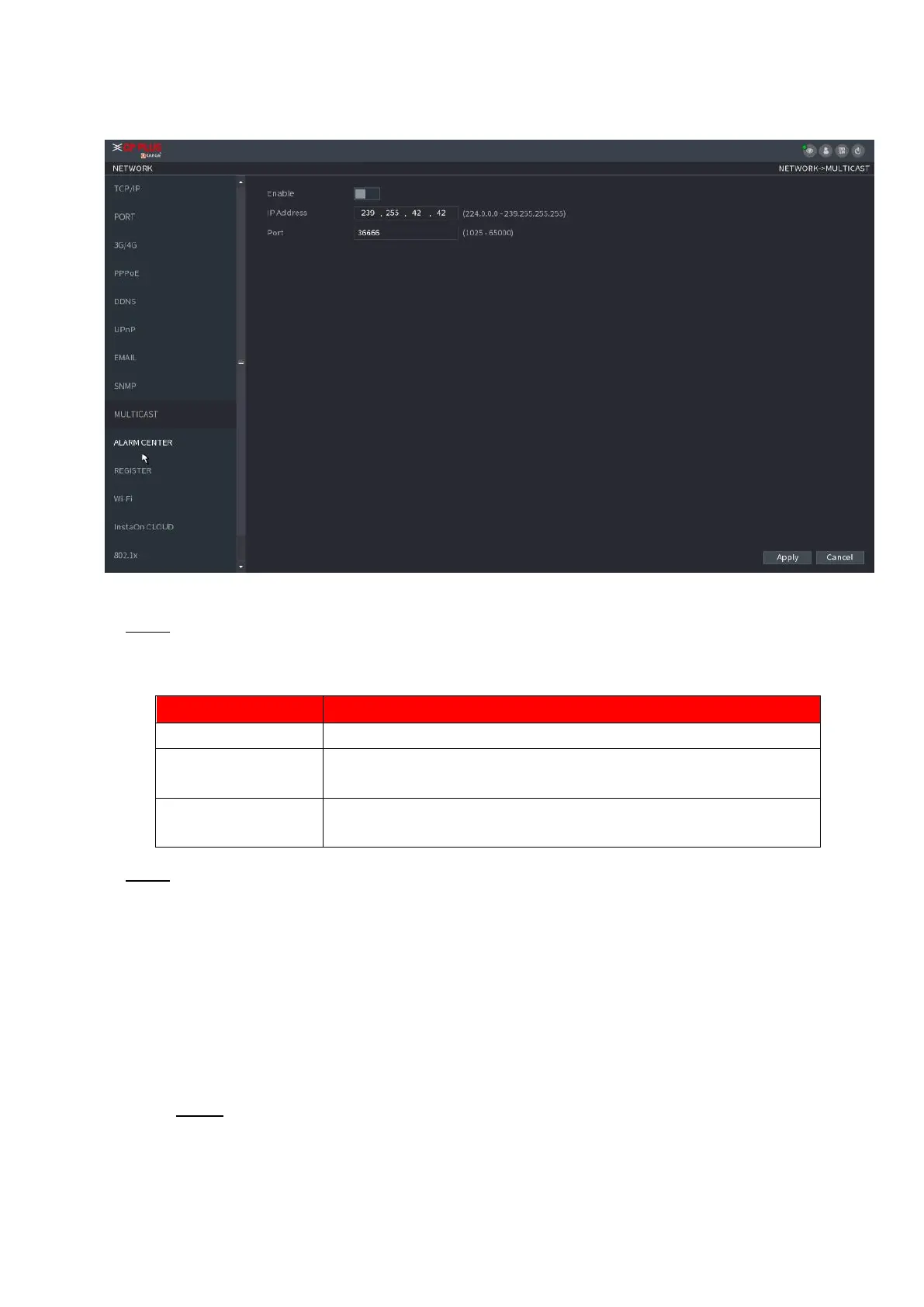
Enter the IP address that you want to use as the multicast IP.
The IP address ranges from 224.0.0.0 through 239.255.255.255.
⚫ Step 3 Click Apply to complete the settings.
⚫ You can use the multicast IP address to login the web.
⚫ On the web login dialog box, in the Type list, select MULTICAST. The web will automatically obtain the
multicast IP address and join. Then you can view the video through multicast function.
1.12.9 Alarm Centre
⚫ You can configure the alarm center server to receive the uploaded alarm information. To use this function,
the Alarm Upload check box must be selected.
Step 1 Select Main Menu > NETWORK > ALARM CENTER.
The ALARM CENTER interface is displayed. See Figure 1-211.



 To Next Page