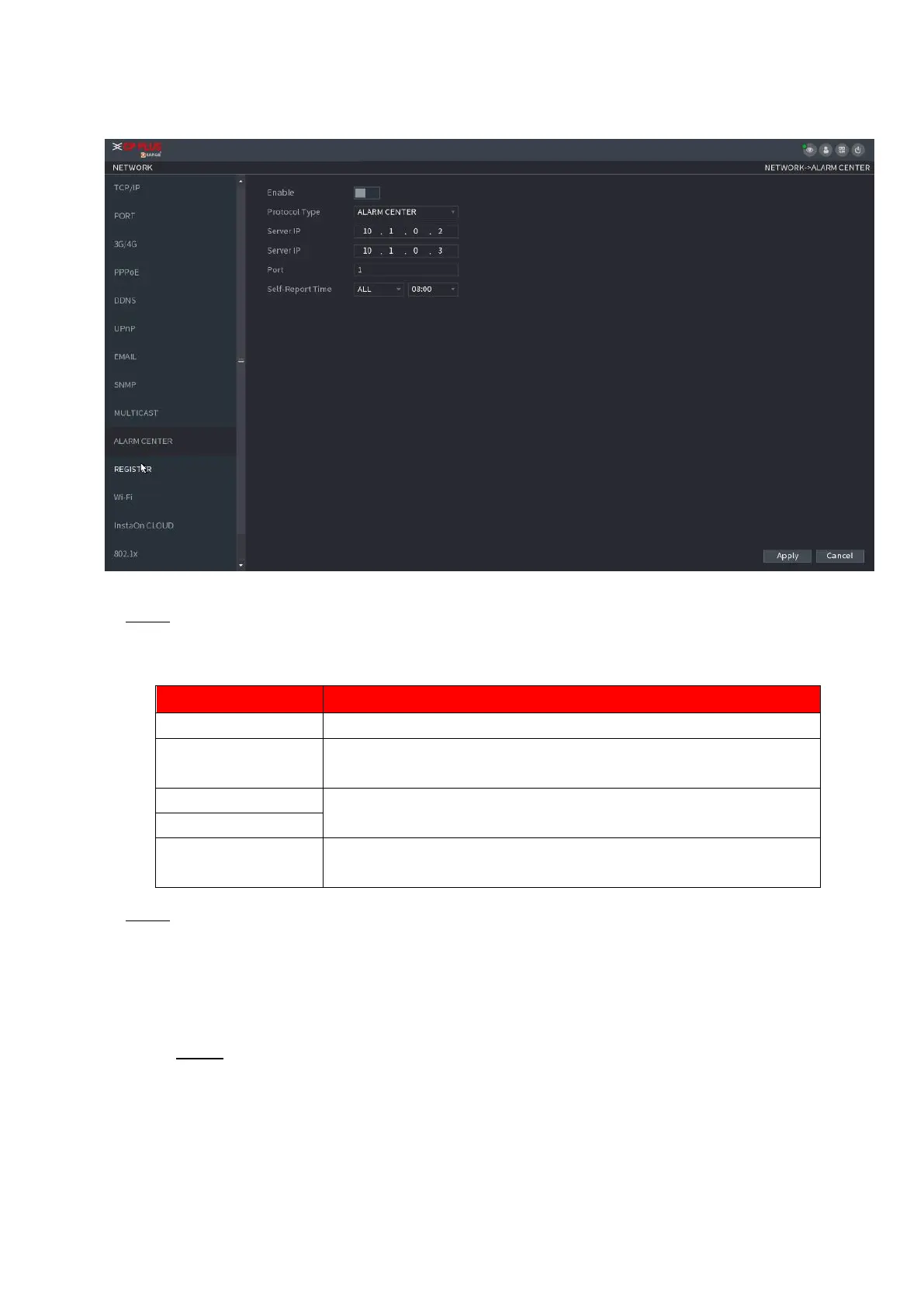
⚫ Figure 1-211
⚫ Step 2 Configure the settings for the alarm center parameters. See Table 1-60.
⚫ Table 1-60
Enable the alarm center function.
In the Protocol Type list, select protocol type. The default is
ALARM CENTER.
The IP address and communication port of the PC installed with
alarm client.
In the Self-Report Time list, select time cycle and specific time for
uploading alarm.
⚫ Step 3 Click Apply to complete the settings.
1.12.10 Register
⚫ You can register the Device into the specified proxy server which acts as the transit to make it easier for
the client software to access the Device.
Step 1 Select Main Menu > NETWORK > REGISTER.
⚫ The REGISTER interface is displayed. See Figure 1-212.



 To Next Page