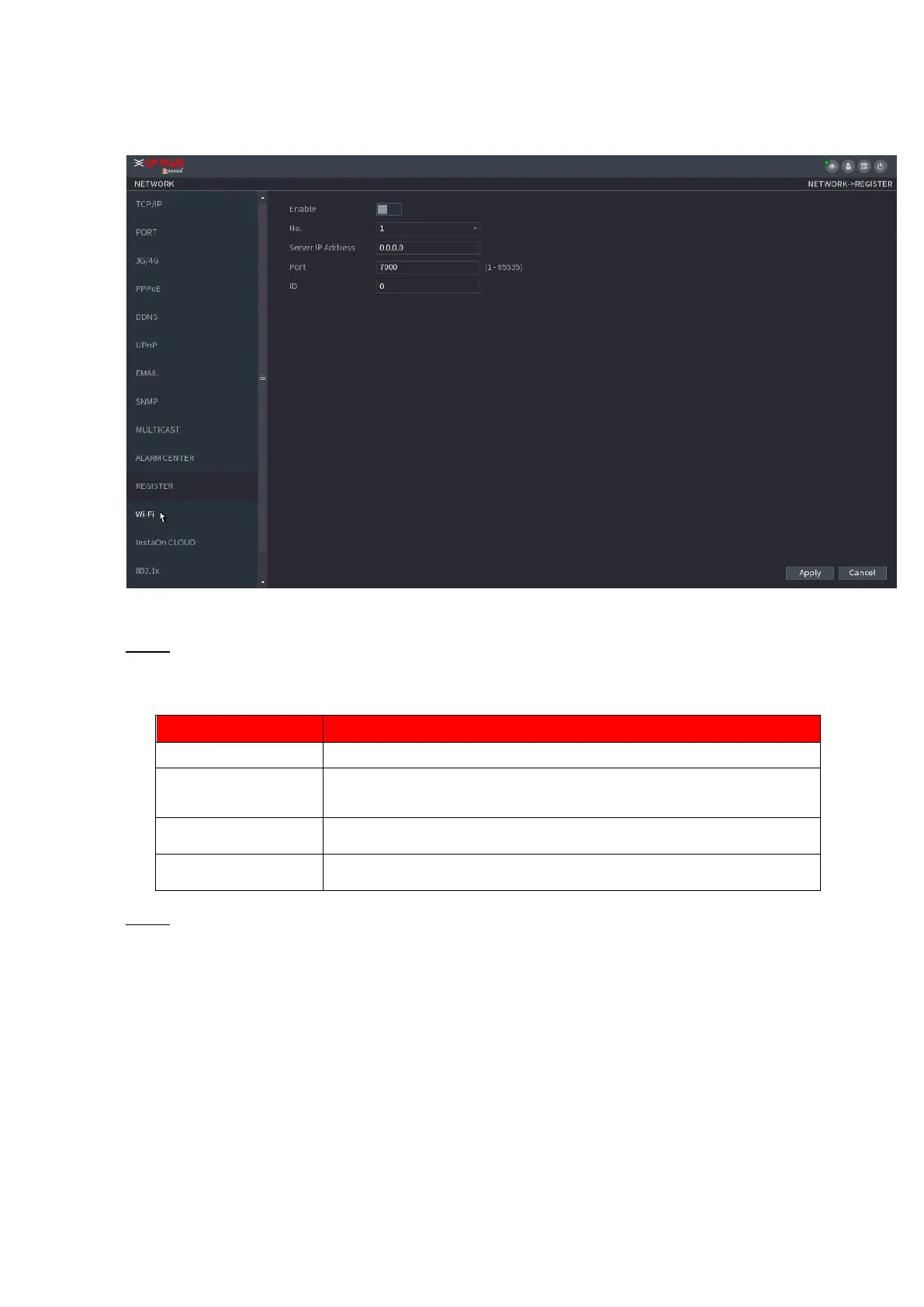
⚫ Step 3 Click Apply to complete the settings.
1.12.11 INSTAON CLOUD
⚫ INSTAON CLOUD is a kind of convenient private network penetration technology. You do not need to apply
for dynamic domain name, doing port mapping or deploying transit server. You can add NVR
devices through the below way to achieve the purpose of managing multiple NVR devices at the same time.
⚫ Scan the QR code, download mobile app, and then register an account. For details, see Mobile App
Operation.
⚫ Log in http://www.orange.insta.com/ , register an account, and then add device via the serial number.



 To Next Page