1.10.2.3 BPS
⚫
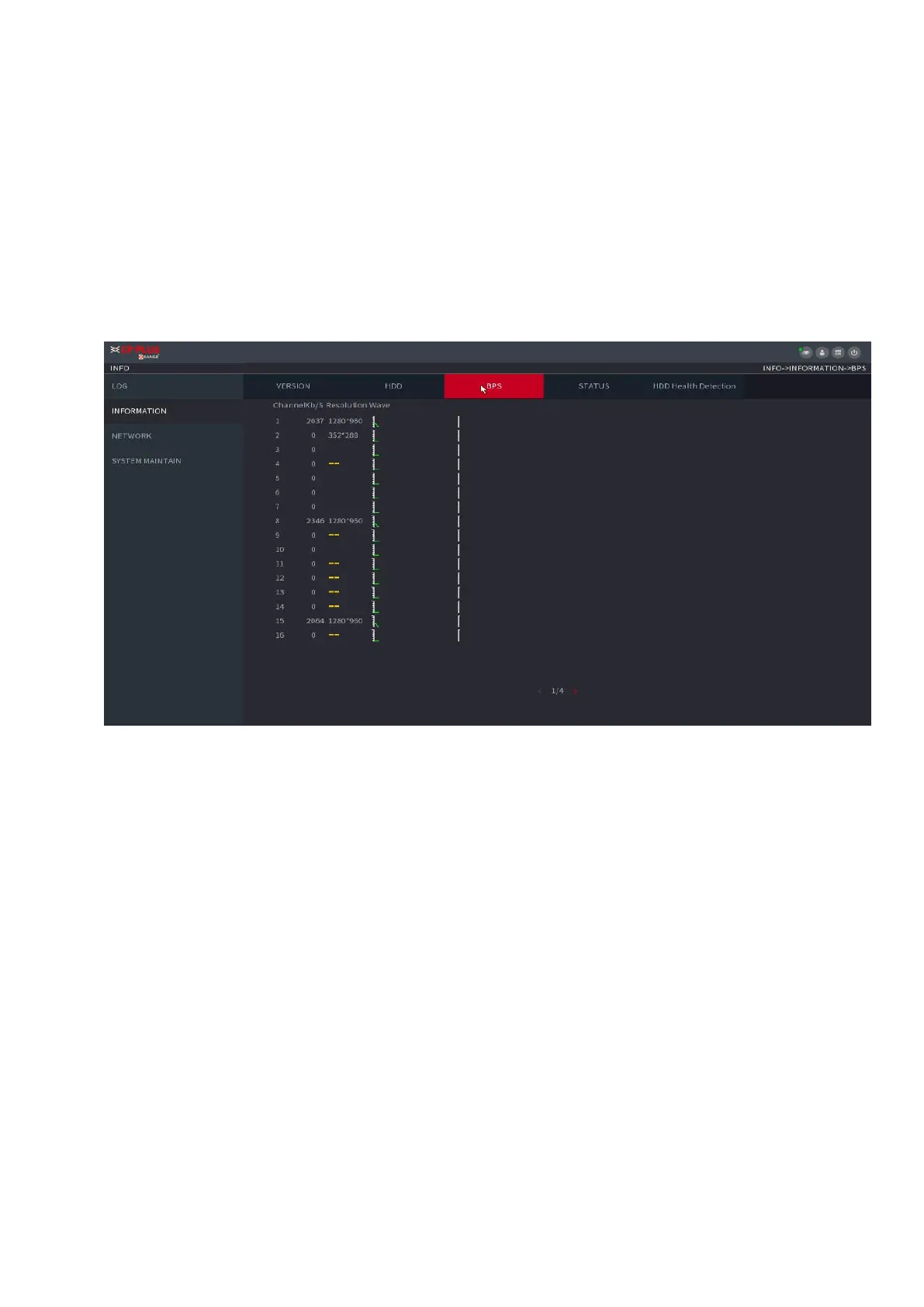
⚫ Here is for you to view current video bit rate (kb/s) and resolution.
Select Main Menu > OPERATION > INFOMATION > BPS, the BPS interface is displayed. See
Figure 1-188.
⚫ Figure 1-188
1.10.2.4 Device Status
⚫ You can view fan running status such as speed, CPU temperature, and memory.
Select Main Menu > OPERATION > INFOMATION > Status, the Status interface is displayed.
See Figure 1-189.



 To Next Page