⚫ Step 2 Double-click the HDD in the list, system displays the detection report.
⚫ Step 3 Select an item in the list, system displays the corresponding report. System displays the curve report
of the recent week by default.
1.10.3 Network
1.10.3.1 Online User
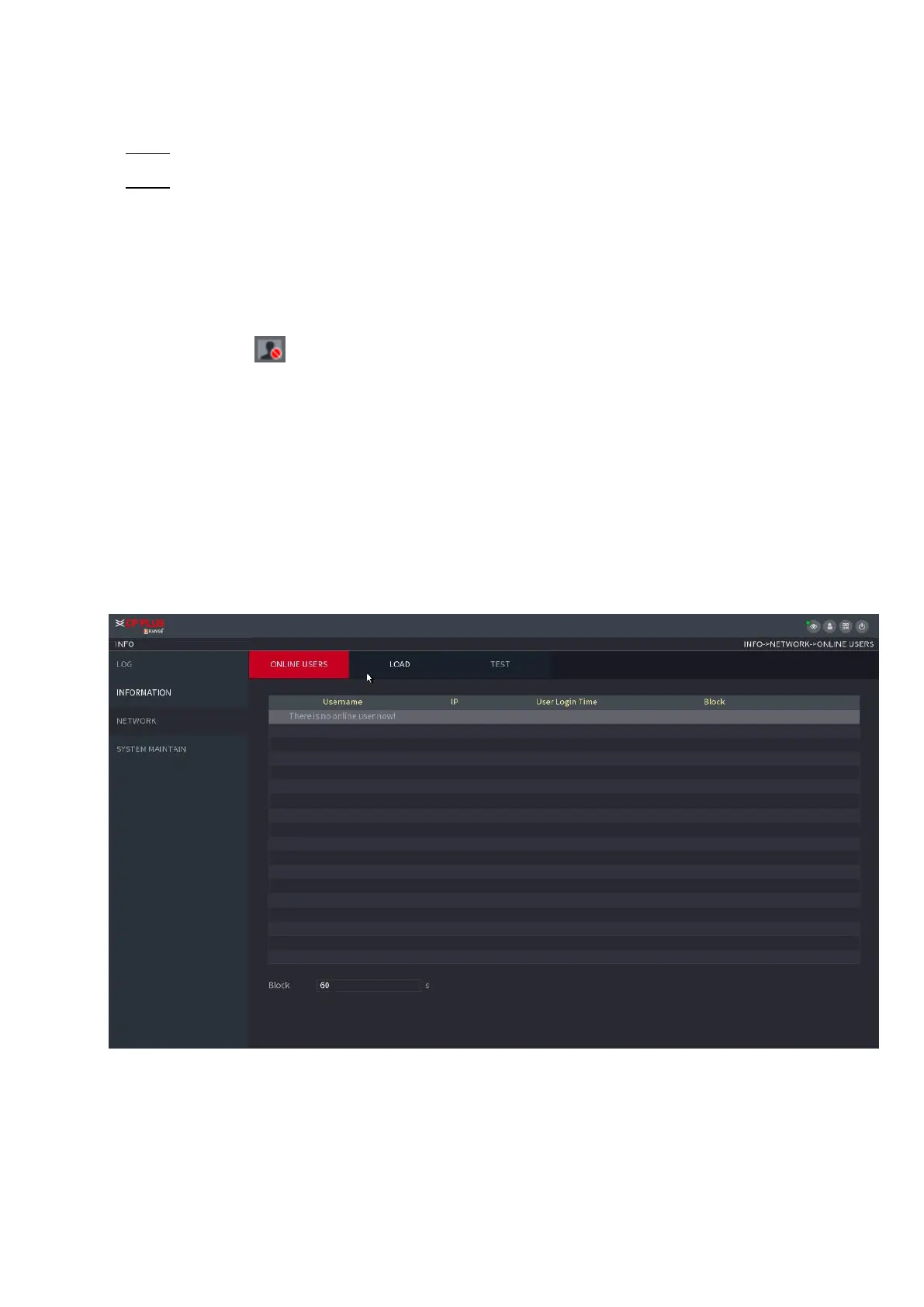
⚫ You can view the online user information or block any user for a period. To block an
⚫ online user clicks and then enter the time that you want to block this user. The maximum value you
can set is 65535.
⚫ The system detects every 5 seconds to check whether there is any user added or deleted and update the
user list timely.
Select Main Menu > OPERATION > NETWORK > ONLINE USERS, the Online Users
⚫ interface is displayed. See Figure 1-191.
⚫
⚫ Figure 1-191
1.10.3.2 Network Load



 To Next Page