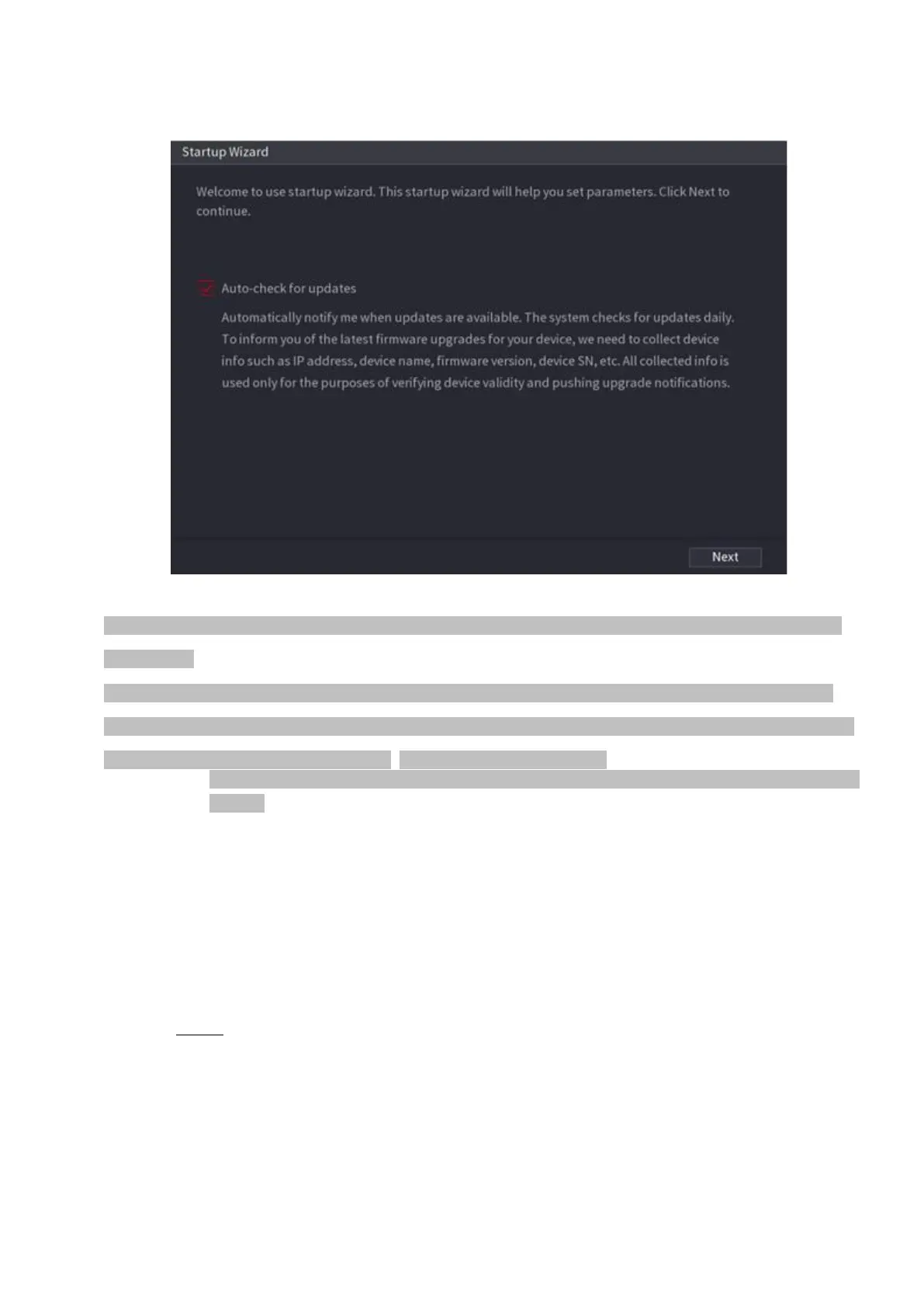
⚫ Figure 1-15
⚫ If you select the Auto-check for updates check box, the system will notify you automatically when updates
are available.
⚫ After the auto-check function is enabled, to notify you to update timely, the system will collect the information
such as IP address, device name, firmware version, and device serial number. The collected information is only
used to verify the legality of the Device and push upgrade notices.
⚫ If you cancel the Auto-check for updates check box, the system will not perform automatic
checks.
1.1.4.1 General
⚫ You can set NVR basic information such as system date, holiday and etc. You can also configure general
settings by selecting Main Menu > SYSTEM > General.
1.1.4.1.1 General
⚫ You can set device basic information such as device name, serial number.
Step 1 Click Next.
⚫ The General interface is displayed. See Figure 1-16.



 To Next Page