When system is detecting HDD, click Stop Detect to stop current detection. Click Start
Detect to detect again.
1.13.6.2 Detect Report
⚫ After the detect operation, you can go to the detect report to view corresponding information. Replace the
malfunction HDD in case there is data loss.
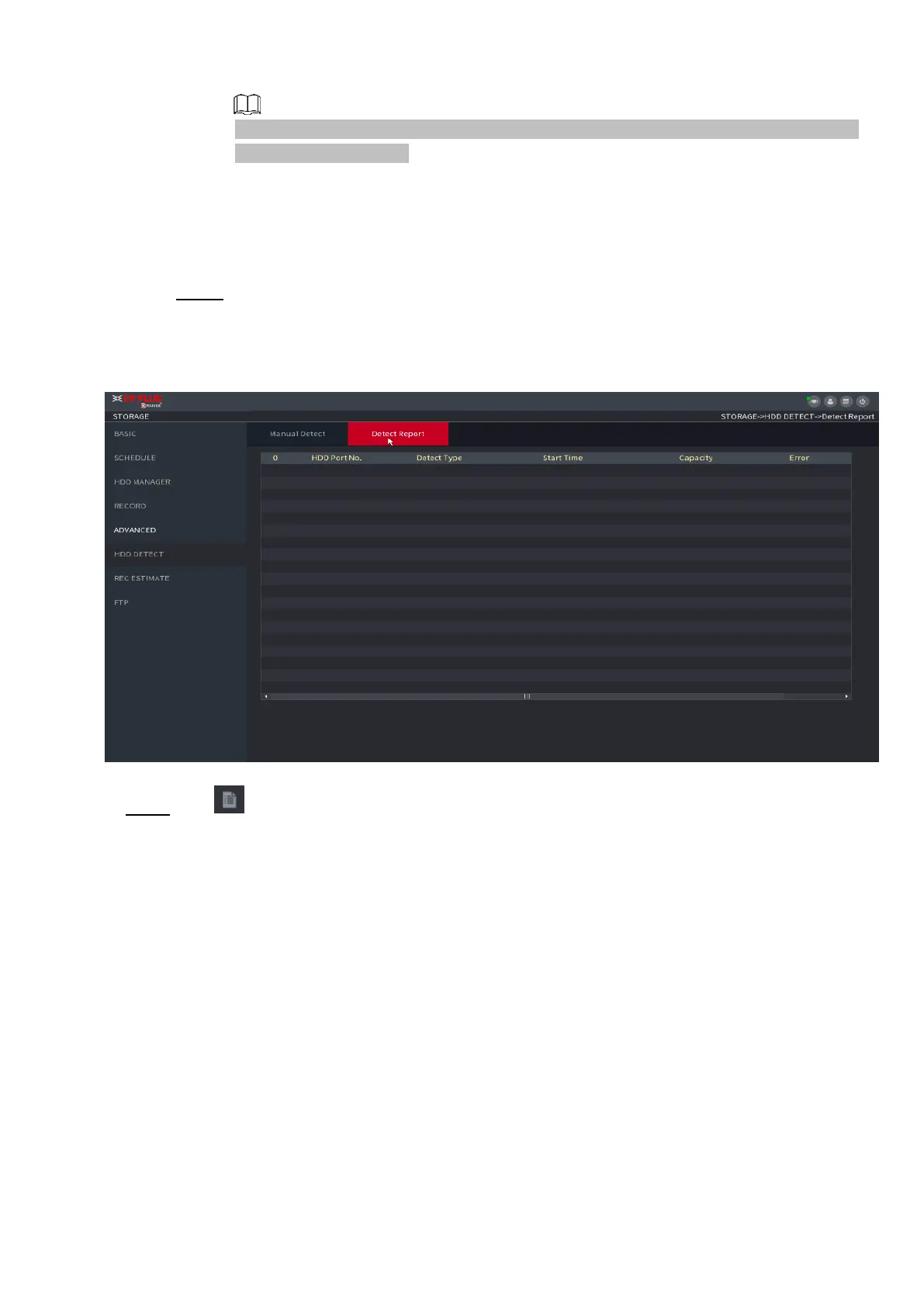
Step 1 Select Main Menu > STORAGE > HDD DETECT > Detect Report.
The Detect Report interface is displayed. See Figure 1-221.
⚫ Figure 1-221
⚫ Step 2 Click .
⚫ The Details interface is displayed. You can view detecting results and S.M.A.R.T reports.



 To Next Page