1.13.8 Record Estimate
⚫ Record estimate function can calculate how long you can record video according to the HDD capacity,
and calculate the required HDD capacity according to the record period.
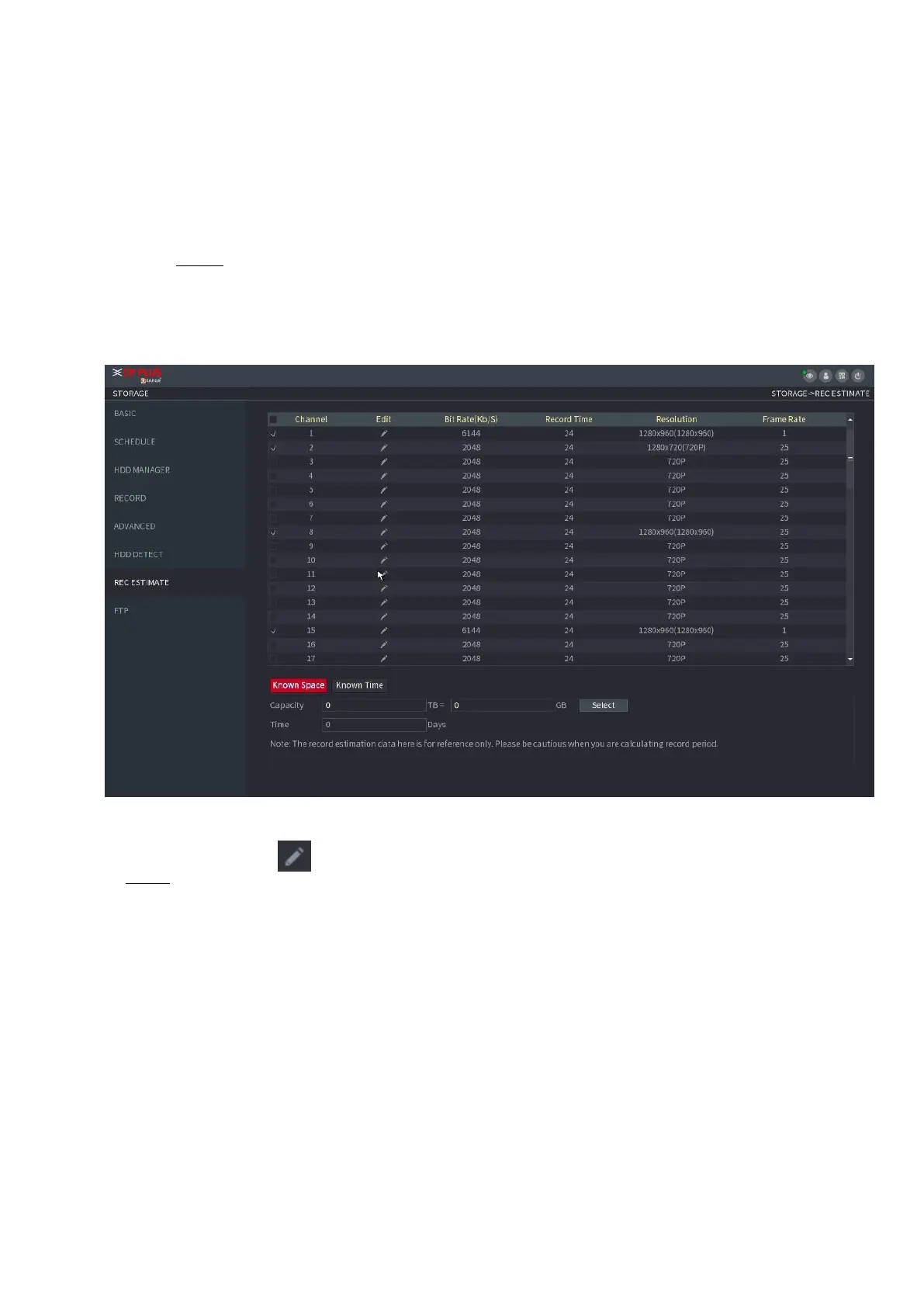
Step 1 Select Main Menu > STORAGE > REC ESTIMATE.
The REC ESTIMATE interface is displayed. See Figure 1-229.
⚫ Figure 1-229
⚫ Step 2 Click .
⚫ The Edit dialogue box is displayed. See Figure 1-230.
You can configure the Resolution, Frame Rate, Bit Rate and Record Time for the
selected channel.



 To Next Page