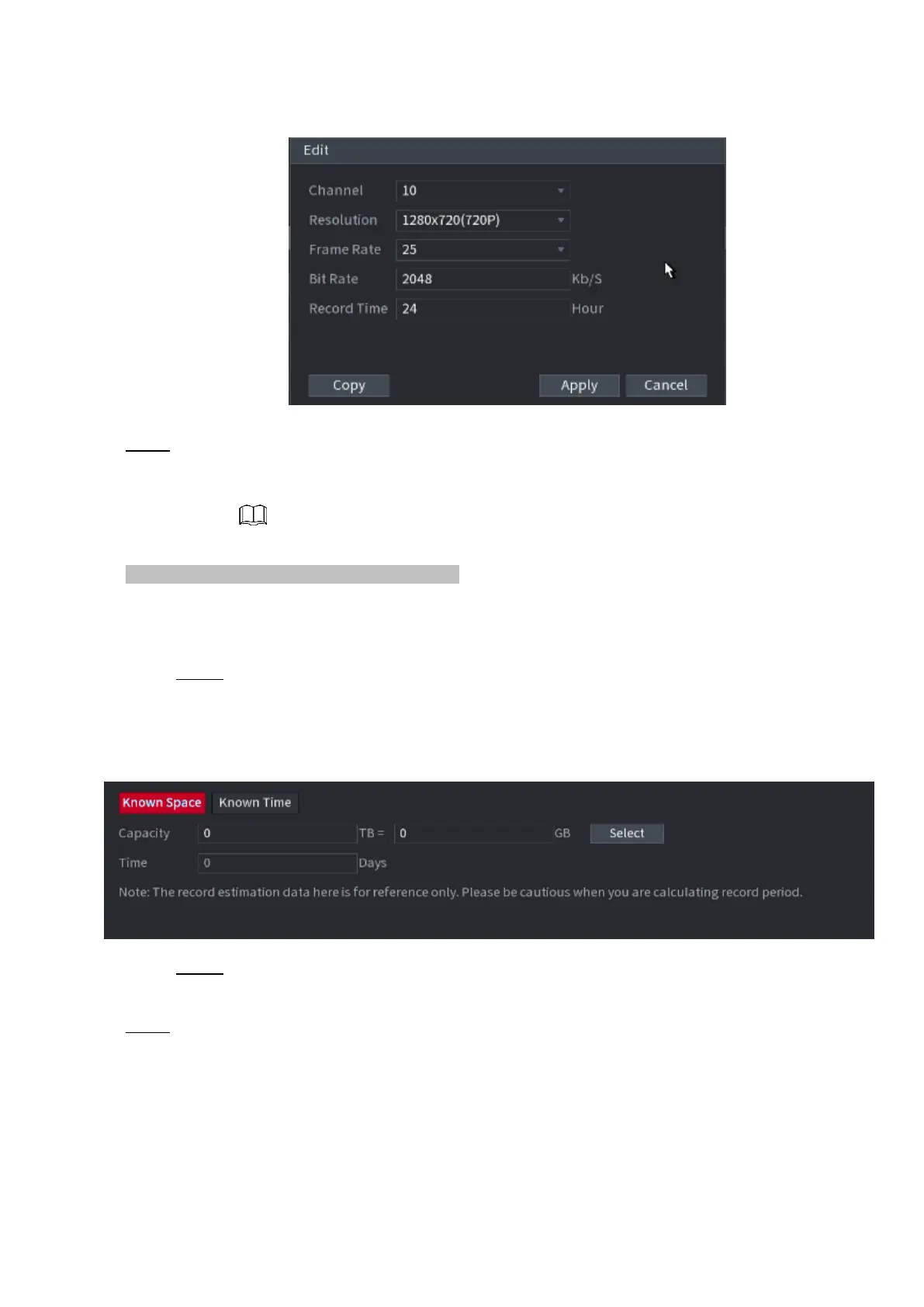
⚫ Figure 1-230
⚫ Step 3 Click Apply to save the settings.
⚫ Then the system will calculate the time period that can be used for storage according to the channels
settings and HDD capacity.
⚫ Click Copy to copy the settings to other channels.
Calculating Recording Time
Step 1 On the REC ESTIMATE interface, click the Known Space tab.
The Known Space interface is displayed. See Figure 1-231.
⚫ Figure 1-231
Step 2 Click Select.
The Select HDD(s) interface is displayed.
⚫ Step 3 Select the check box of the HDD that you want to calculate.
⚫ In the Known Space tab, in the Time box, the recording time is displayed.



 To Next Page