Calculating HDD Capacity for Storage
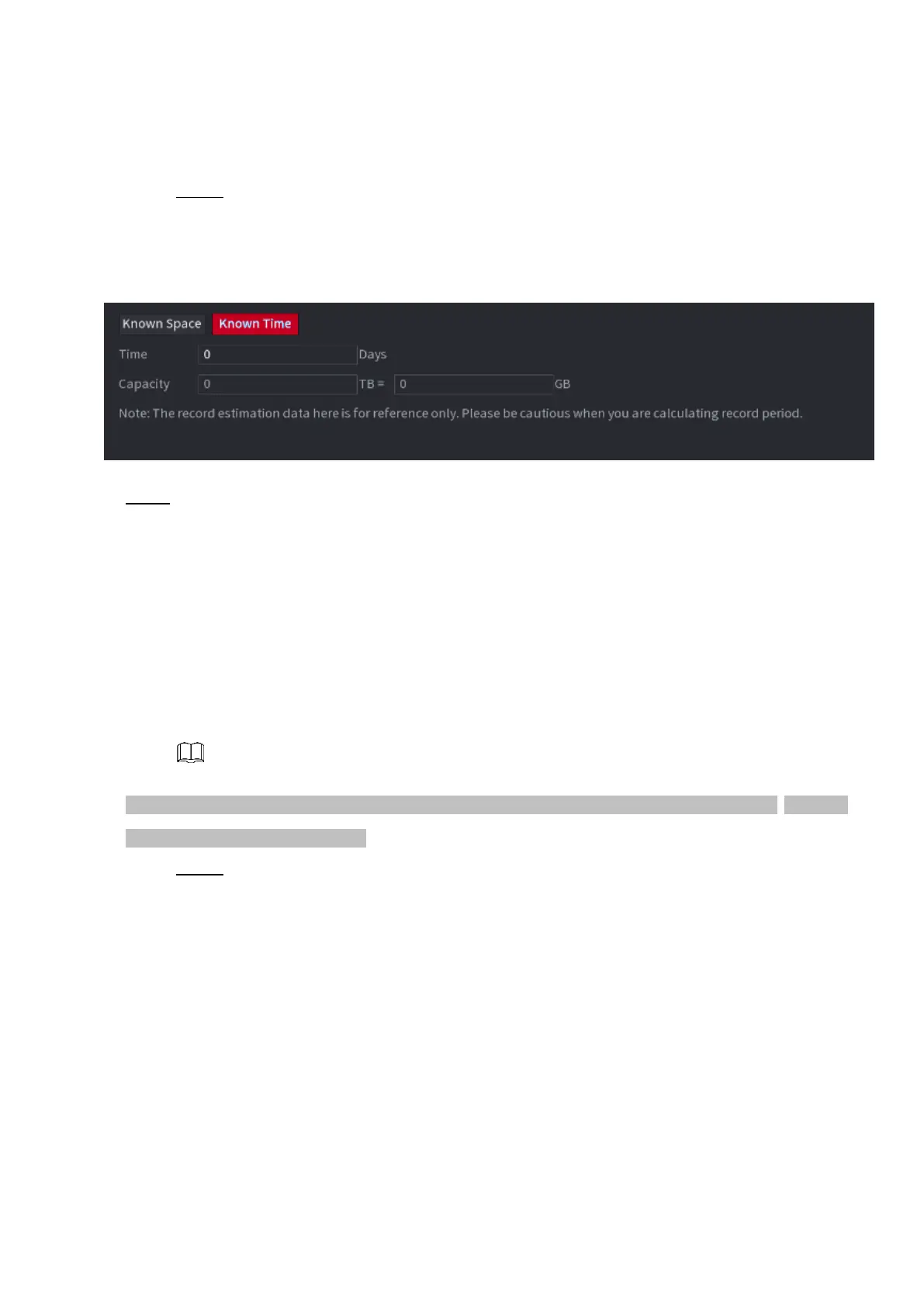
Step 1 On the REC ESTIMATE interface, click the Known Time tab.
⚫ The Known Time interface is displayed. See Figure 1-233.
⚫ Figure 1-233
⚫ Step 2 In the Time box, enter the time period that you want to record.
⚫ In the Capacity box, the required HDD capacity is displayed.
1.13.9 FTP
⚫ You can store and view the recorded videos and snapshots on the FTP server.
Preparations
⚫ Purchase or download a FTP (File Transfer Protocol) server and install it on your PC.
⚫ For the created FTP user, you need to set the write permission; otherwise the upload of recorded
videos and snapshots will be failed.
Step 1 Select Main Menu > STORAGE > FTP.
⚫ The FTP interface is displayed. See Figure 1-234.



 To Next Page