Includes two options: MIC and Audio. It is MIC by default. The
MIC function shares the same port with talkback function and the
latter has the priority.
Some series products do not have audio port. The actual product
shall prevail.
⚫ The finish time for audio playing depends on audio file size and the configured interval.
⚫ Playing priority: Alarm event > Audio talk > Trial listening > Schedule audio file. Step 3 Click Apply to
complete the settings.
1.17.3 Broadcast
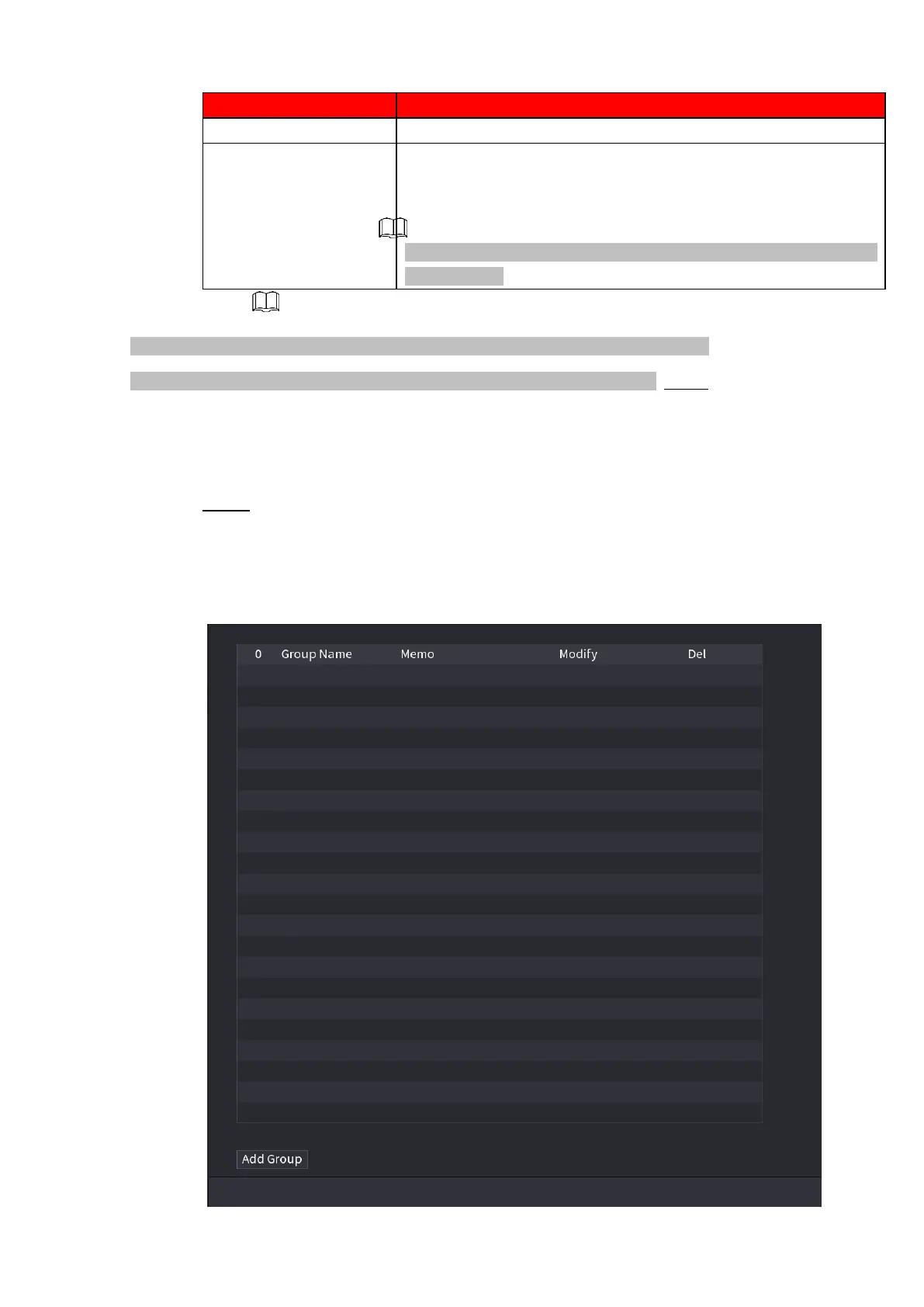
System can broadcast to the camera, or broadcast to a channel group.
Step 1 Select Mani Menu > AUDIO > BROADCAST.
⚫ The BROADCAST interface is displayed. See Figure 1-255.
⚫ Figure 1-255



 To Next Page