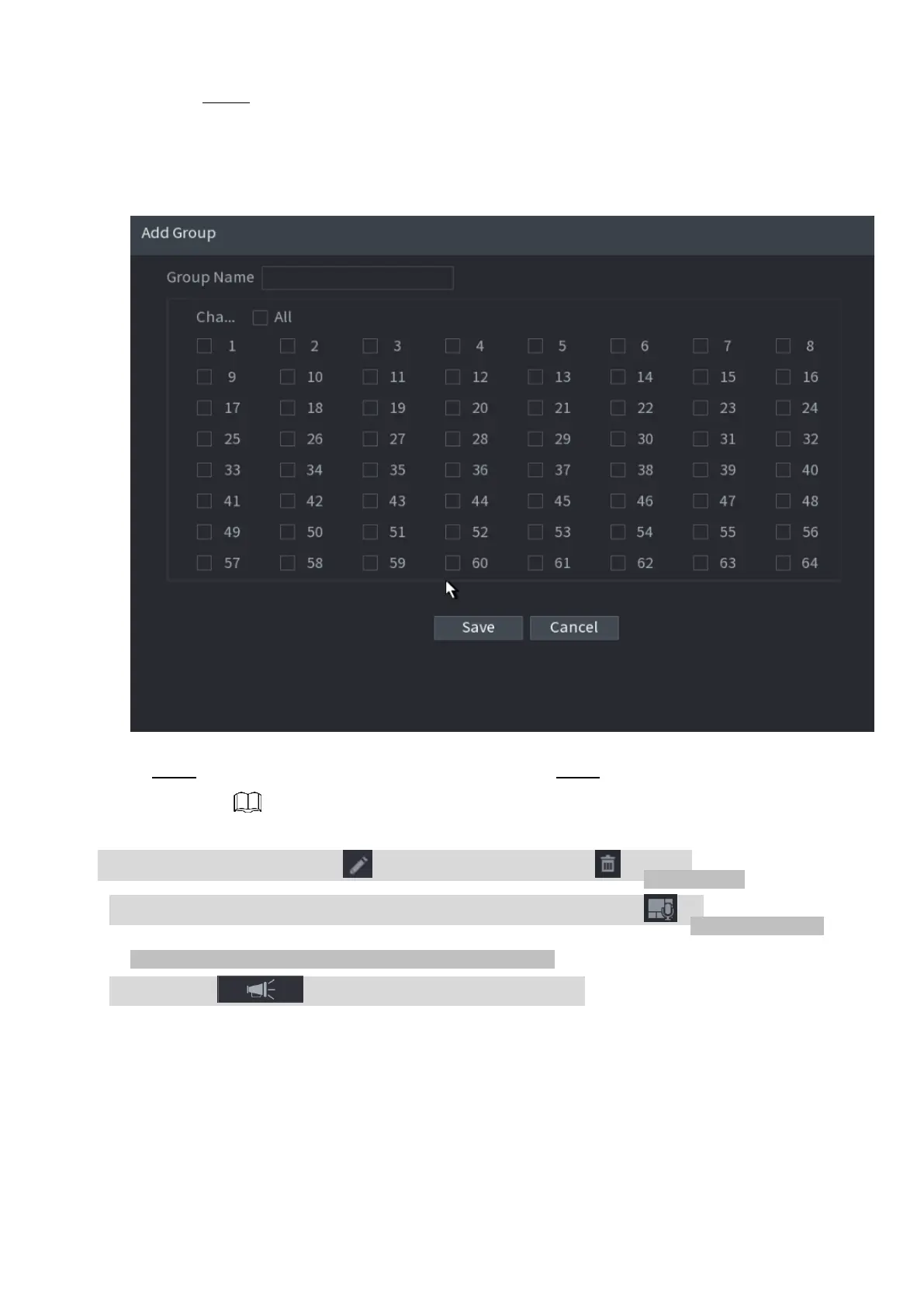
Step 2 Click Add Group.
⚫ The Add Group interface is displayed. See Figure 1-256.
⚫ Figure 1-256
⚫ Step 3 Input group name and select one or more channels. Step 4 Click Save button to complete
broadcast group setup.
⚫ On the broadcast interface, click to change group setup, click to delete group.
⚫ After complete broadcast setup, on the preview interface and then click on the navigation bar,
device pops up broadcast dialogue box. Select a group name
⚫ and then click to begin broadcast. See Figure 1-257.



 To Next Page