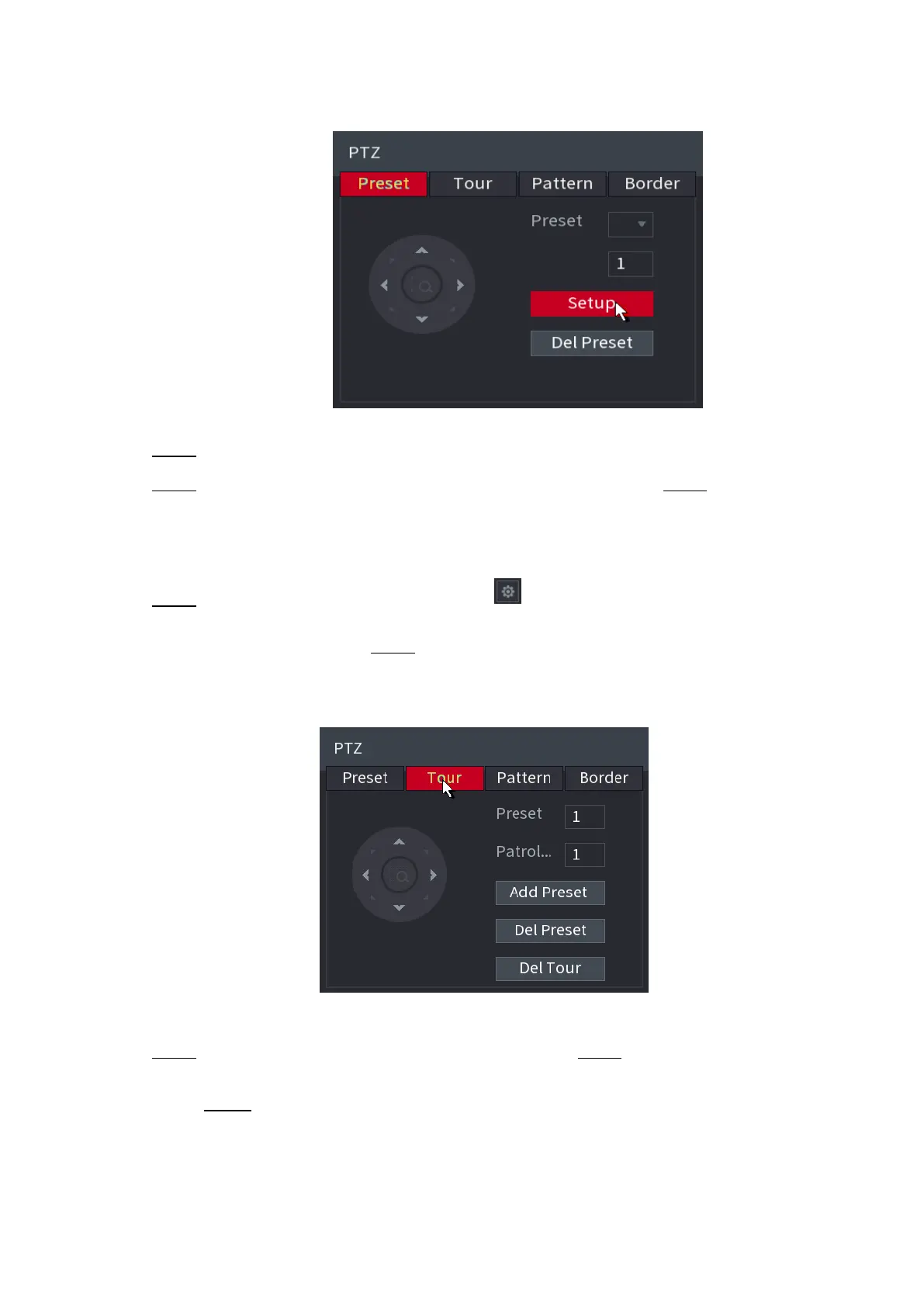
⚫ Figure 1-86
⚫ Step 4 Click the direction arrows to the required position.
⚫ Step 5 In the Preset box, enter the value to represent the required position. Step 6 Click Setting to
complete the preset settings.
1.4.3.2 Configuring Tours
⚫ Step 1 On the Expanded PTZ Control Panel, click .
⚫ The PTZ interface is displayed. Step 2 Click the Tour tab.
⚫ The Tour tab is displayed. See Figure 1-87.
⚫ Figure 1-87
⚫ Step 3 In the Patrol No. box, enter the value for the tour route. Step 4 In the Preset box, enter the
preset value.
Step 5 Click Add Preset.
⚫ A preset will be added for this tour.
⚫
⚫



 To Next Page