34
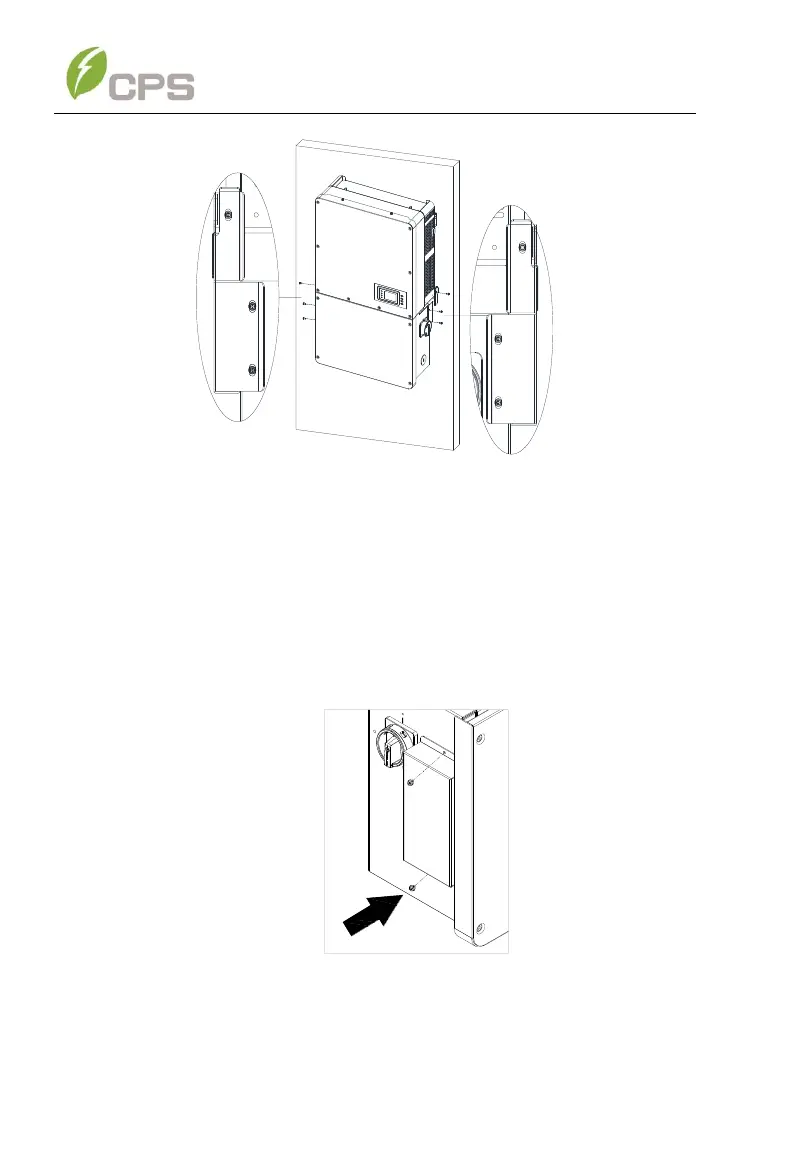
Figure 3-14 Secure the Main Enclosure and Wiring Box to the Bracket
Step 6 Attach the bulkhead cover shown in
Step 7 Figure 3-12 to the left side of the wiring box. (see
Step 8 Figure 3-15). Tool required: No. 2 Phillips head screwdriver,
torque value of 1.6N.m (14.2in-lbs)
Figure 3-15 Attach the Cover to the left side of the Wiring Box



 To Next Page