30 • HD-MD4X2-4KZ-E and HD-MD4X1-4KZ-E Web Interface Configuration Guide — Doc. 8907B
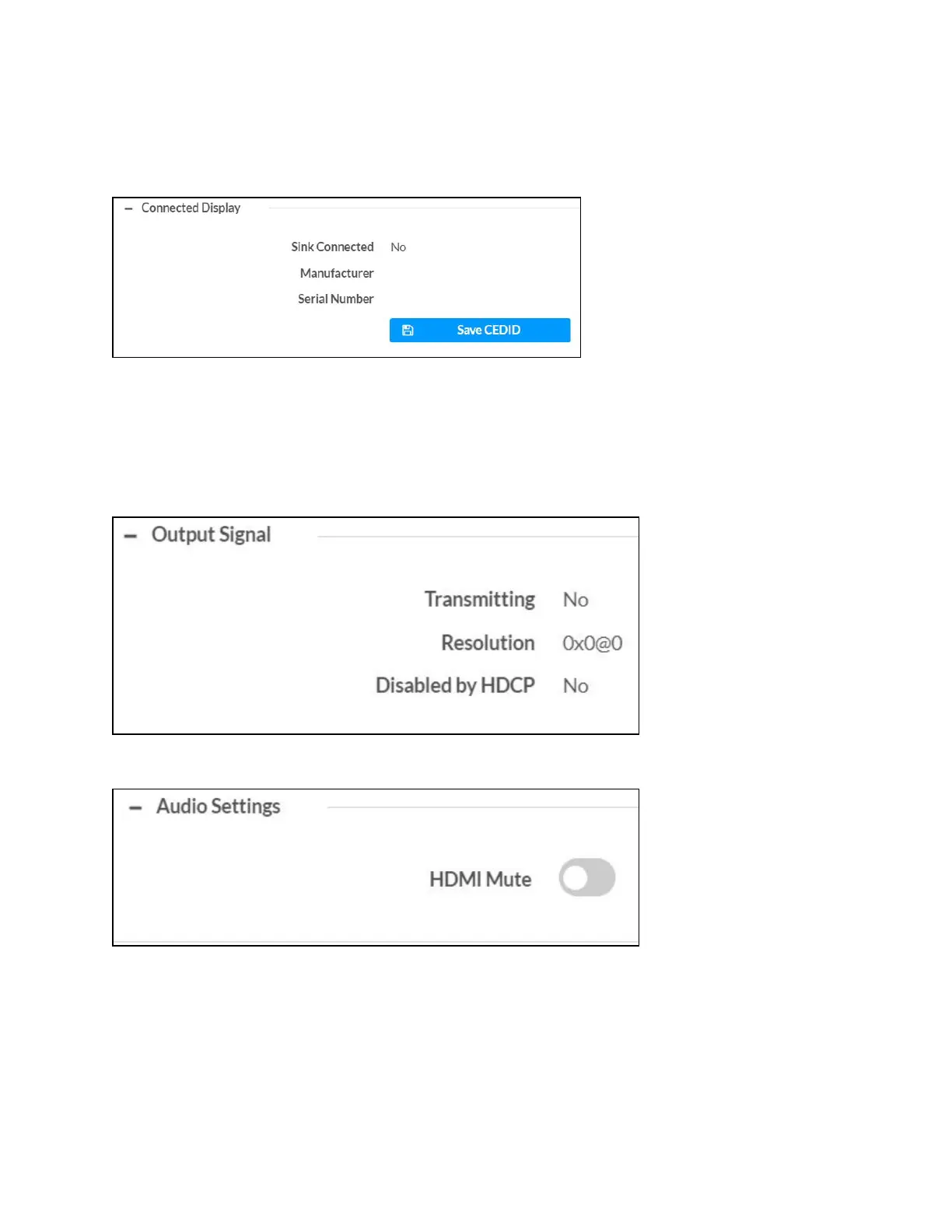
Connected Display
The Connected Display section displays the Sink Connected, Manufacturer, and Serial Number of
the connected device.
Click Save CEDID to save .cedid file on the host computer.
The .cedid file is downloaded to the Downloads folder of the host computer.
Output Signal
The Output Signal section displays the Transmitting, Resolution, and Disabled by HDCP details
of the output signal.
Configure Audio Settings
Move the HDMIMute slider to the right to disable the audio output. To enable audio output,
move the slider to the left.












 To Next Page