Scanshell 1000 Scanning Documents
IdScan User Manual version 9.0
©
Card Scanning Solutions, all rights reserved 26
CATEGORY
Select the scanned document types, according to the used
ScanShell 800support all document reading as follows:
• Driver Licenses
• Passports
• Business cards
• Barcodes
• Checks
• Signatures
Categories
• Combined category: Driver license/ID/Business card: In this mode,
ScanShell scans a document assuming that the document is a either a driver
license or an ID card. If it is indeed a driver license or an ID card, the process
shows the license details (and exports the data). If the document is not a driver
license or an ID card, ScanShell switches automatically to business card mode
and attempts to process the scanned card as a business card. The progress of
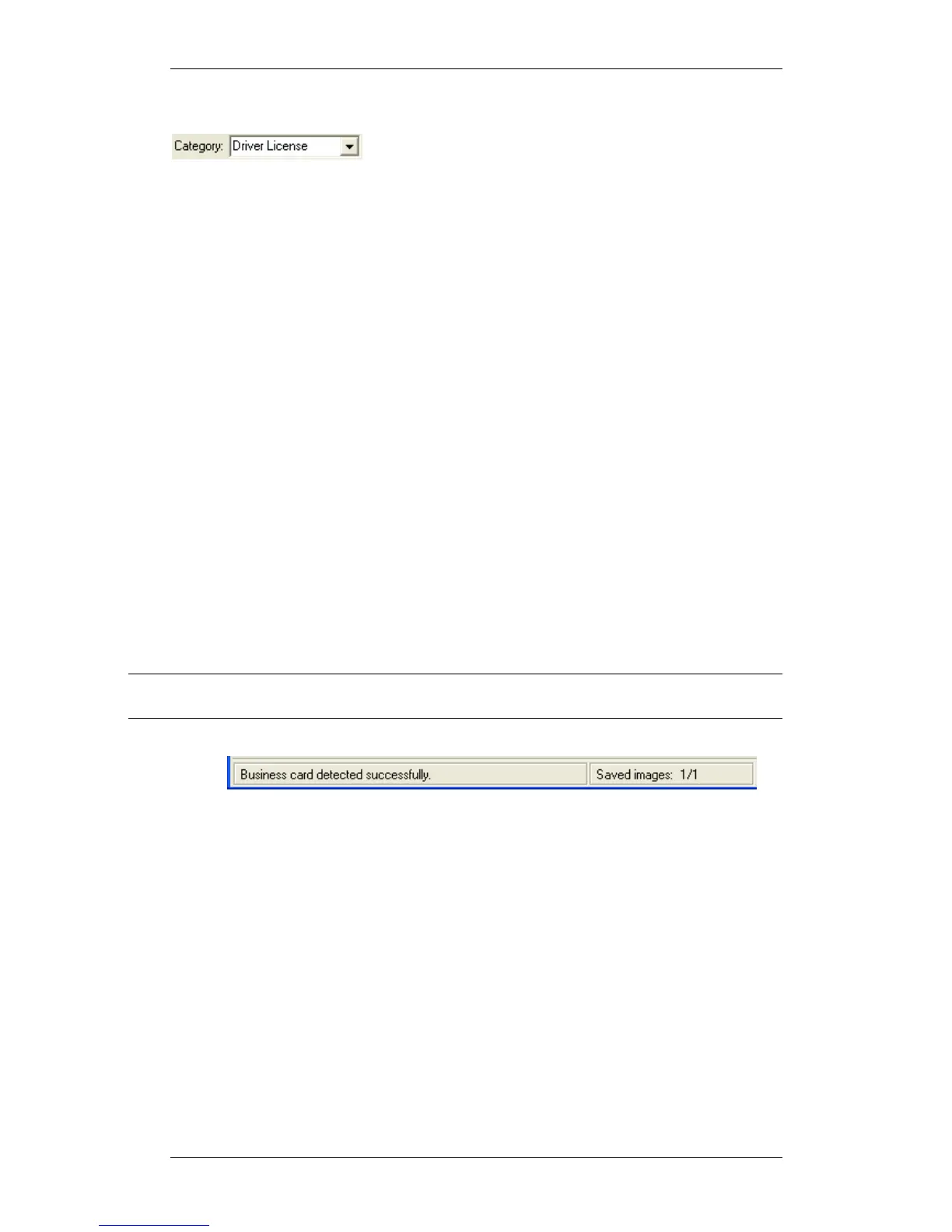
this process can be followed in the status bar at the bottom of the screen,
which also indicates whether the card is being processed as a driver license or
a business card.
Clicking the OCR button will open an appropriate window according to the
document type detected; driver license details for scanned driver licenses and
business card details if the scanned document was a business card.
Note: This option is only available if the United State (auto detection) option is selected in
the 'State' field!
Figure 11: status bar document type indication
• Combined category: Driver license/ID/ card – Same as the above. idScan
attempts to recognize the document type automatically.
• Other categories: Select the category of the scanned document. If you scan
the same document type regularly, selecting the exact category could speed up
the process compared to using the combined category.



 To Next Page