Configuring the Program Image tab
IdScan User Manual version 9.0
©
Card Scanning Solutions, all rights reserved 66
IMAGE TAB
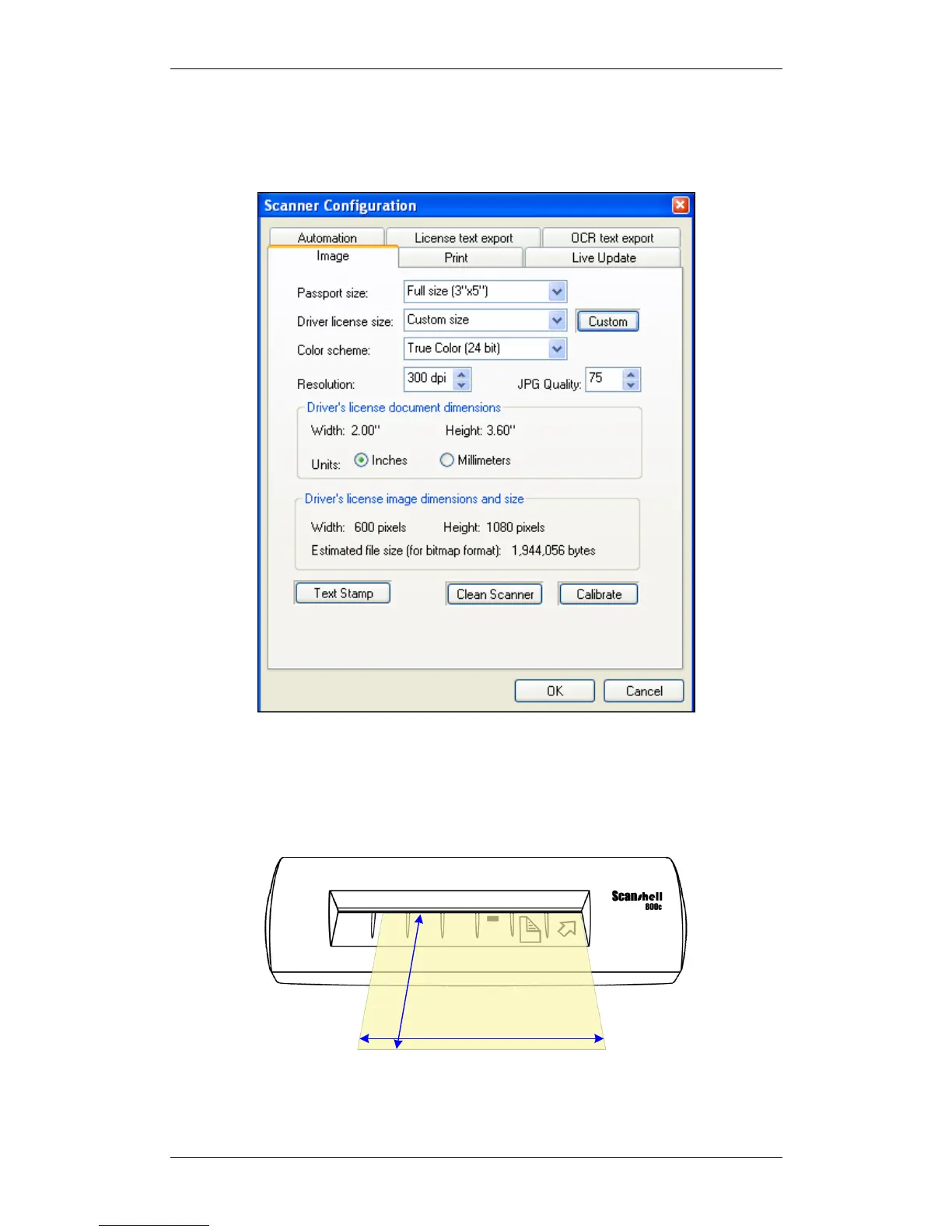
The Image tab lets you set various image scanning parameters as follows:
Figure 35: Scanner configuration panel – Image tab
Document size: The document size determines the size of the scanned area. This area
is defined by the width and height values, as shown in Figure 11 below using the
ScanShell800 scanner:
Width
H
e
i
g
h
t
Figure 36: Document Measurements
Passport size - the drop-down list offers the following options:



 To Next Page