MagshellID Data
IdScan User Manual version 9.0
©
Card Scanning Solutions, all rights reserved 50
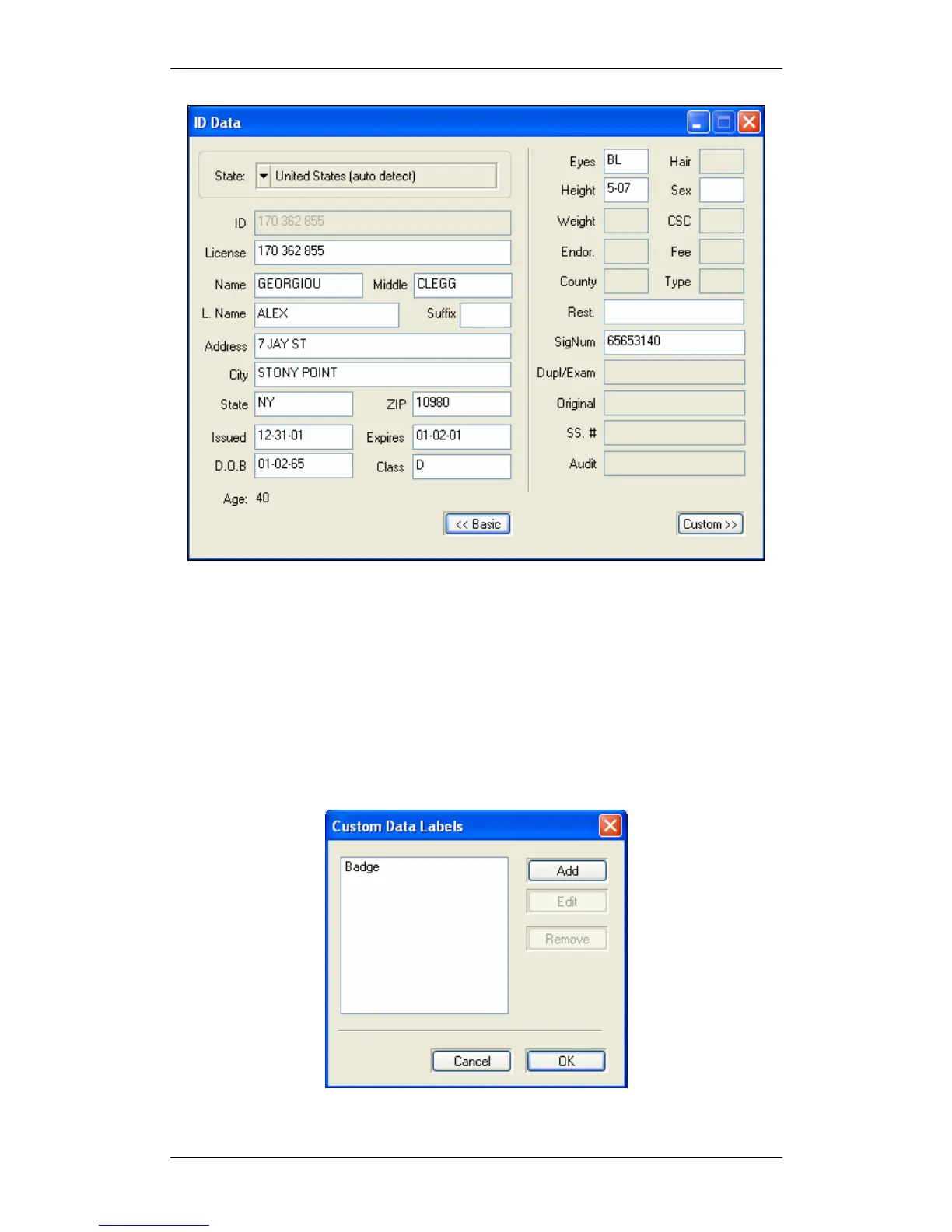
Figure 26: Figure 27: ID Data - Details mode
CUSTOM FIELDS - USER DEFINED FIELDS
Custom fields can be useful for creating badges and other purposes.
• Click on the 'OCR' button at the bottom left of the main screen.
• Click on the 'Details' button at the bottom left of the window that opens.
• Click on the 'Custom' button at the bottom left of the window that opens.
• Click on the 'Labels' button at the bottom of the window that opens to create a
label for the field.
Figure 28: Cusotm fields creation window



 To Next Page