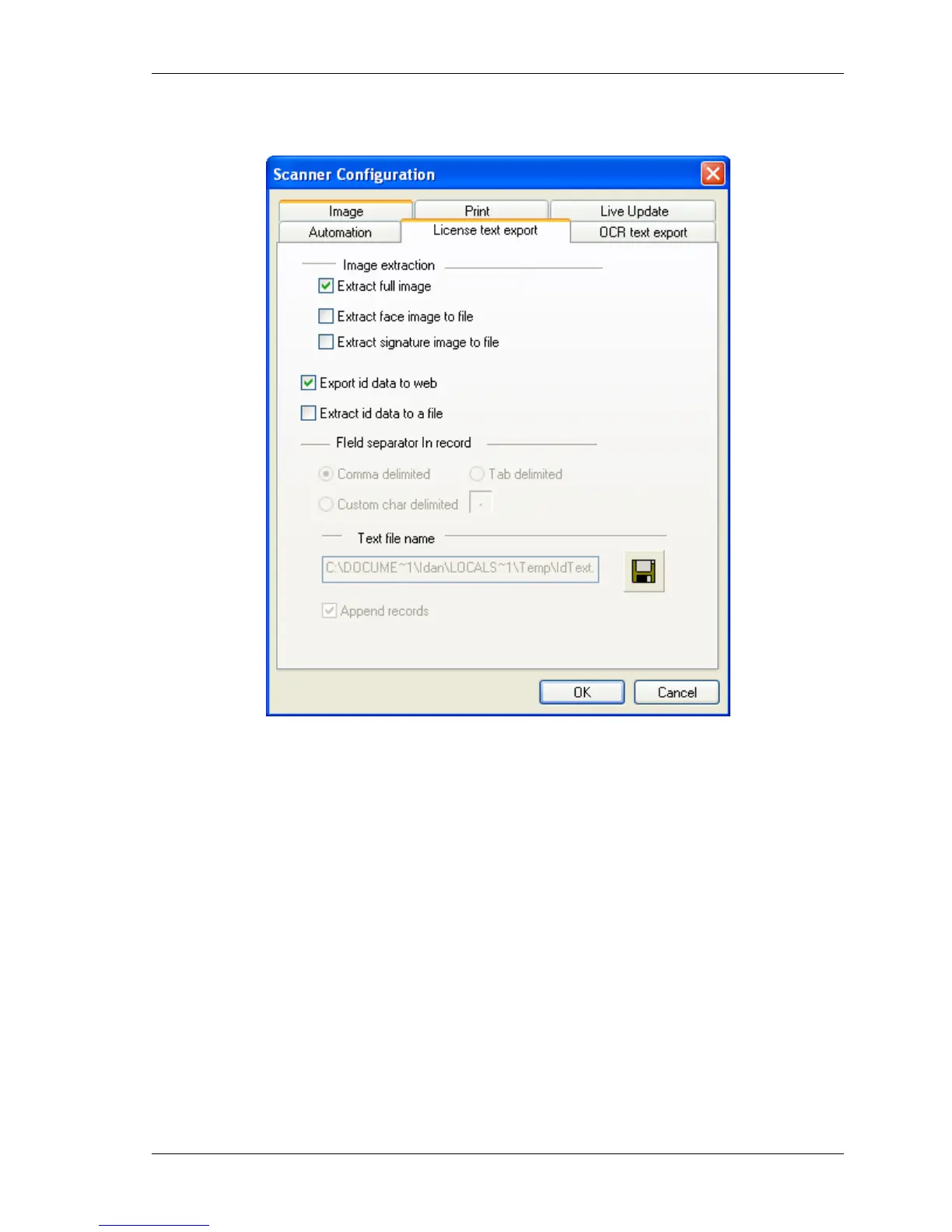
Configuring the Program License Text Export tab
IdScan User Manual version 9.0
©
Card Scanning Solutions, all rights reserved 61
LICENSE TEXT EXPORT TAB
Figure 33: Scanner configuration panel - License data processing tab
• Extract full image: extracts the complete ID card image and saves it as a separate
file.
• Extract face image: Isolates the face image rectangle from the ID card image and
saves it as a separate file.
• Extract signature image to file: Isolates the signature image rectangle from the ID
card image and saves it as a separate file.
• Export id data to web: Export the scanned card data to a predefined web address
according to the settings in the data.txt file.
• Extract ID data to a file: Extracts the textual information from the ID card image
and saves it to a text file.
To activate these features, select the ‘License text export’ tab in the configuration panel,
and check the appropriate checkboxes.



 To Next Page