Configuring the Program OCR text export tab
IdScan User Manual version 9.0
©
Card Scanning Solutions, all rights reserved 65
OCR TEXT EXPORT TAB
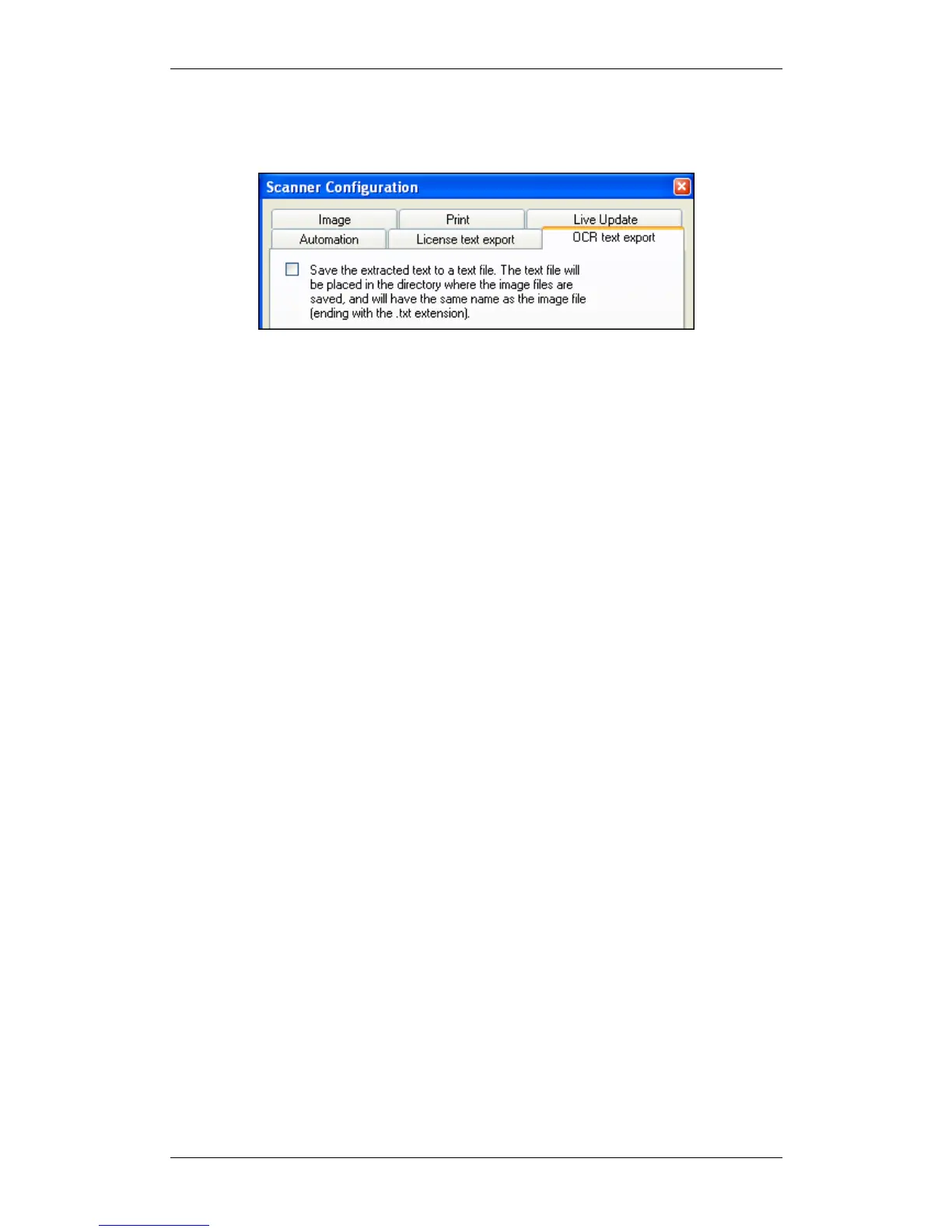
Figure 34: Scanner configuration panel – OCR TEXT EXPORT tab
By checking the checkbox, text extracted from the scanned card will be saved to a text
file, which will have the same name as the image file (ending with the .txt extension),
and which will be placed in the directory where the image files are saved.



 To Next Page