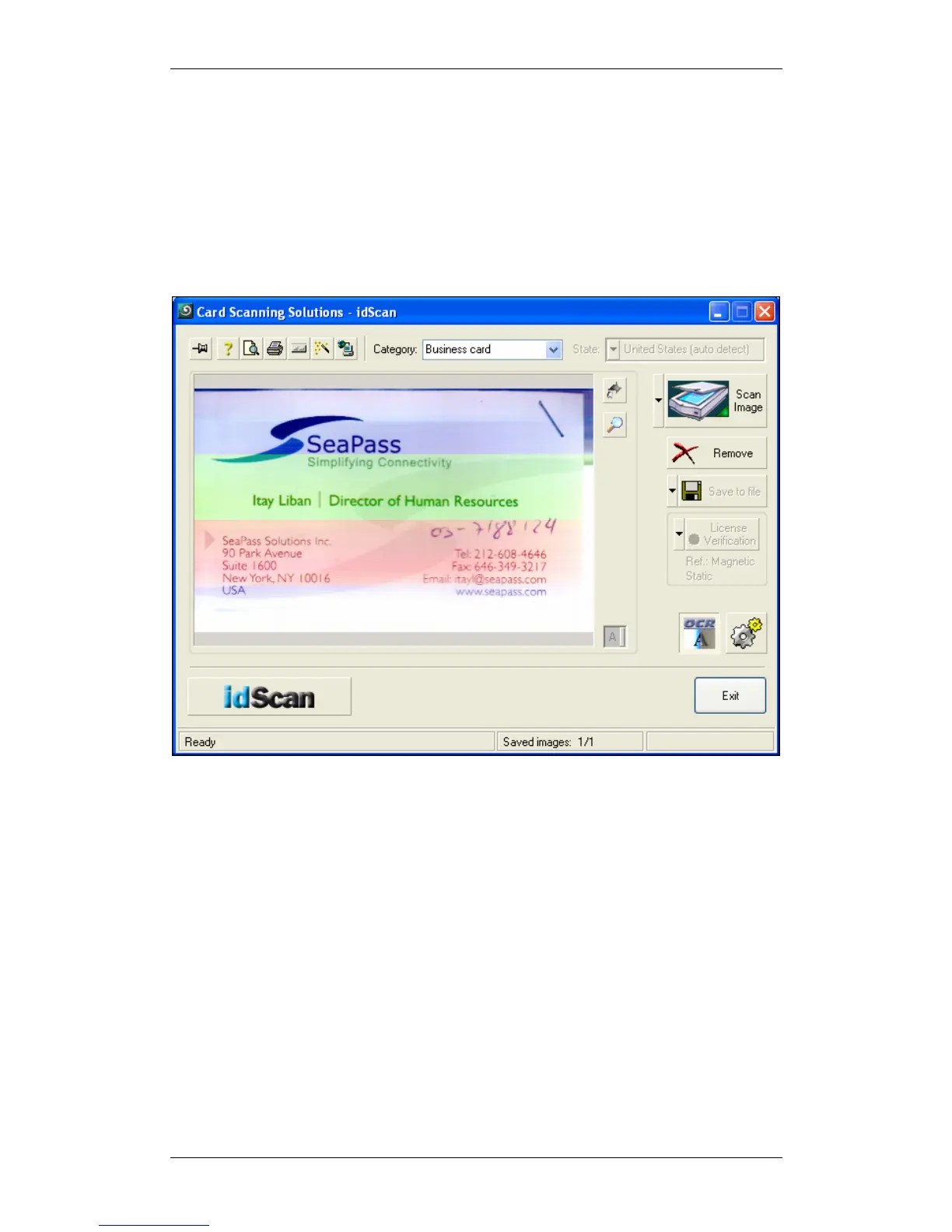
Scanshell 800 N Scanning a new document
IdScan User Manual version 9.0
©
Card Scanning Solutions, all rights reserved 40
SCANNING A NEW DOCUMENT
To scan a new document, just feed the document into the scanner. If the scanner is set
to automatic scan mode, the scanner will start scanning the card automatically. In
manual scan mode, the scanner starts scanning when you click on the Scan button in
the main screen. See Automation tab, page 56. Once the scan is complete, the
program will process the image and data. The scanned image and data will be saved
according to the settings you specified in the configuration panel, see chapter 7,
Configuring the Program, page 55.
Figure 20: Scanned Business card



 To Next Page