Configuring the Program Printing – Print tab
IdScan User Manual version 9.0
©
Card Scanning Solutions, all rights reserved 70
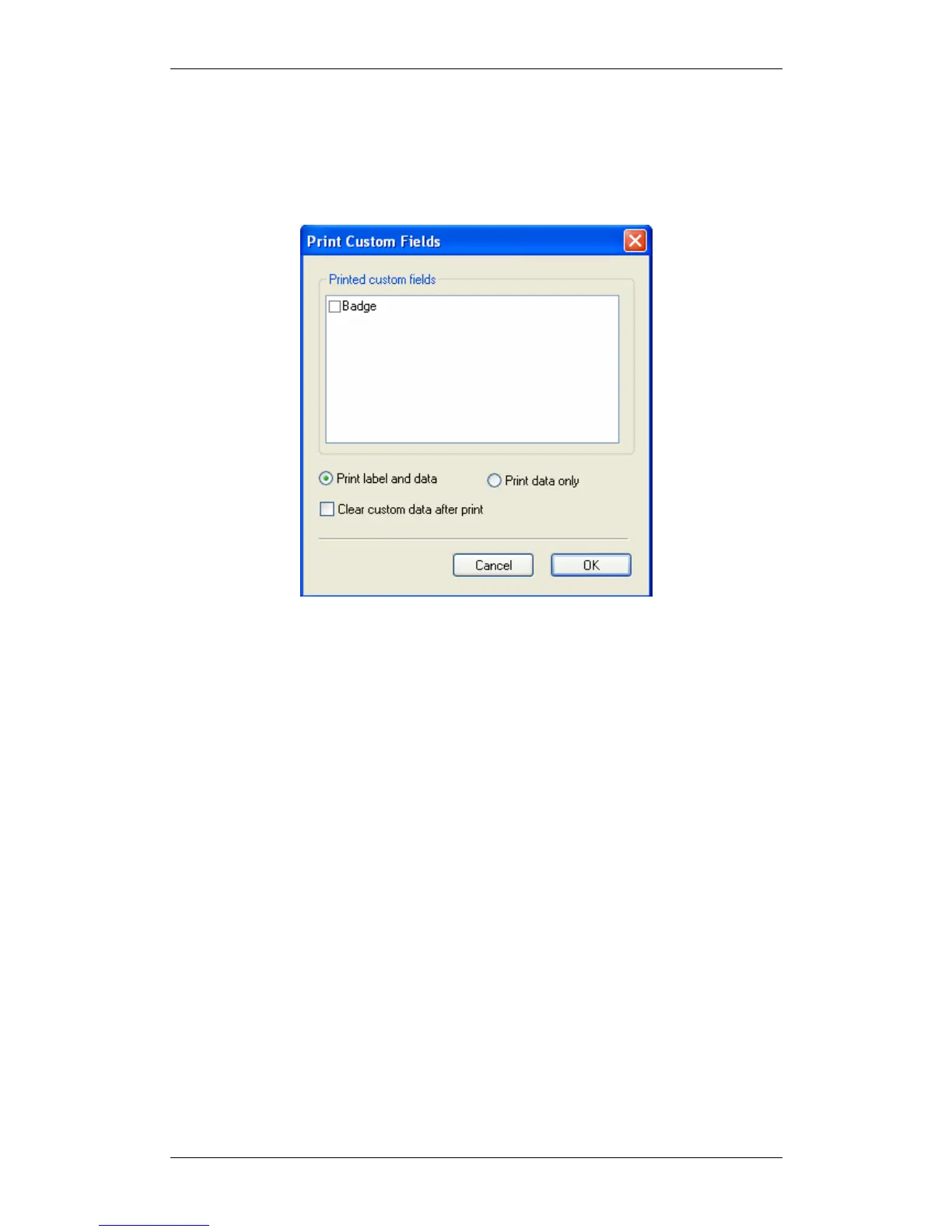
Printing custom fields: Allows you to print custom, user defined fields. This is
useful for creating badges and for other purposes. Custom fields can be added in the
OCR window, see Custom fields - User defined fields, page 18. This is useful to print
badges.
• Click on the 'Print custom fields' button.
Figure 39: Print custom fields dialog
• Select the fields you want to print.
• Select Print label and data or Print data only.
• If you check the 'Clear custom fields' your custom fields will be deleted after
printing (useful for a one-time extra marking of records).
• Click OK.



 To Next Page