Scanshell 800 N 1D and 2D modes
IdScan User Manual version 9.0
©
Card Scanning Solutions, all rights reserved 42
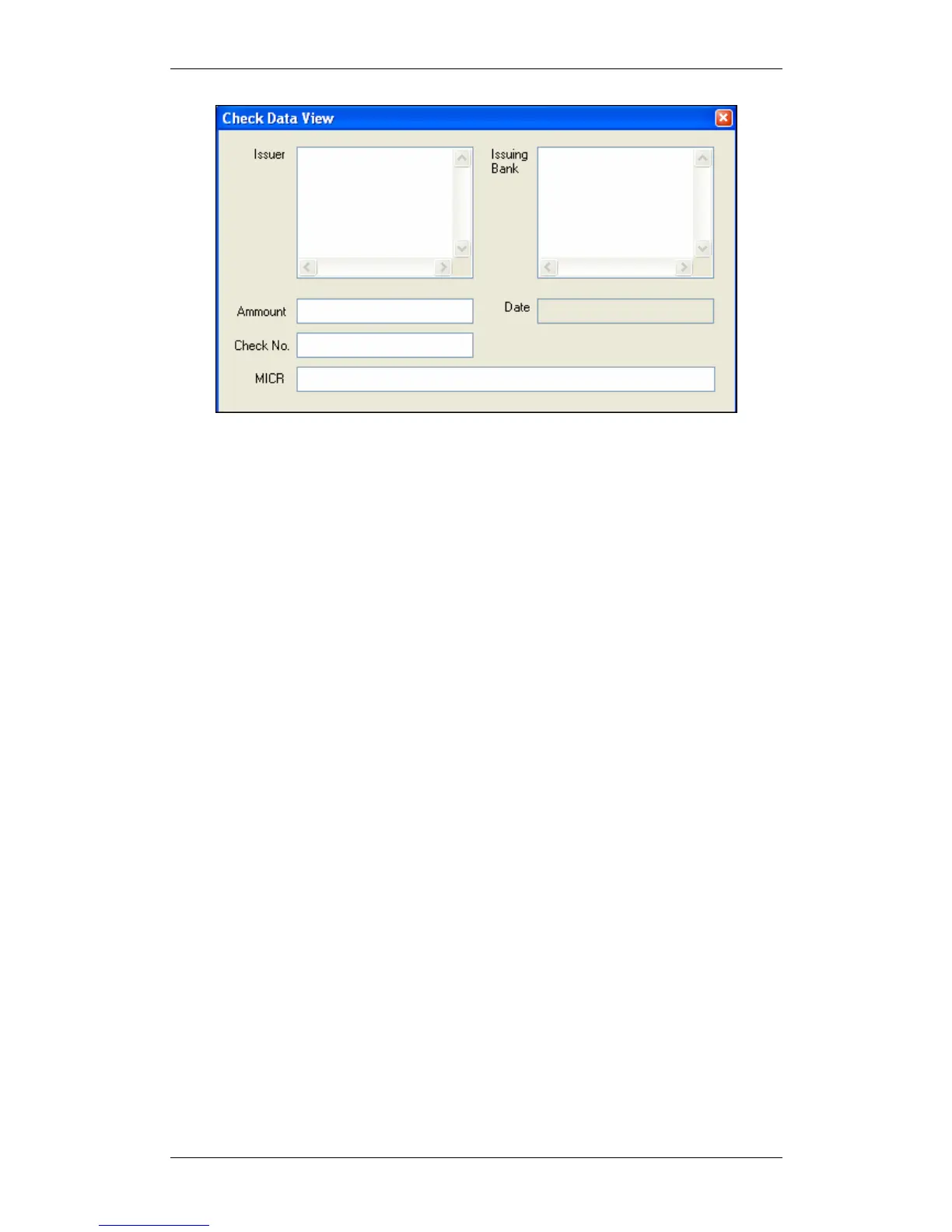
Figure 22: Check data window
As in all other data windows, you can edit data in the fields, and your changes will be
saved to the data file.
1D AND 2D MODES
idScan is capable of reading both 1D barcodes, which are the traditional barcodes
appearing on various products, as well as the new 2D barcode, which is setting new
standards for identification. From driver licenses to social services and national ID
cards, PDF417 has become the preferred means of encoding ID information. PDF417
answers the need to store and transfer large amounts of data securely and
inexpensively. A single PDF417 symbol carries up to 1.1 kilobytes of machine-
readable data and it can contain biometric data files such as photographs, fingerprints,
and signatures, as well as text, numbers and graphics.
To use idScan's barcode reading capabilities, select the appropriate barcode type from
the Category dropdown list, and follow the instruction in Scanning a new document,
page 40..
GENERAL DOCUMENT MODE
The General Document Mode lets you scan a general document type and extract its
text data. The data window displays the extracted text in raw format (not in fields).
The data cannot be edited, however you can control the font used to display the data
by clicking on the Fonts button and adjusting font parameters.



 To Next Page