Scanshell 800 N General Document Mode
IdScan User Manual version 9.0
©
Card Scanning Solutions, all rights reserved 43
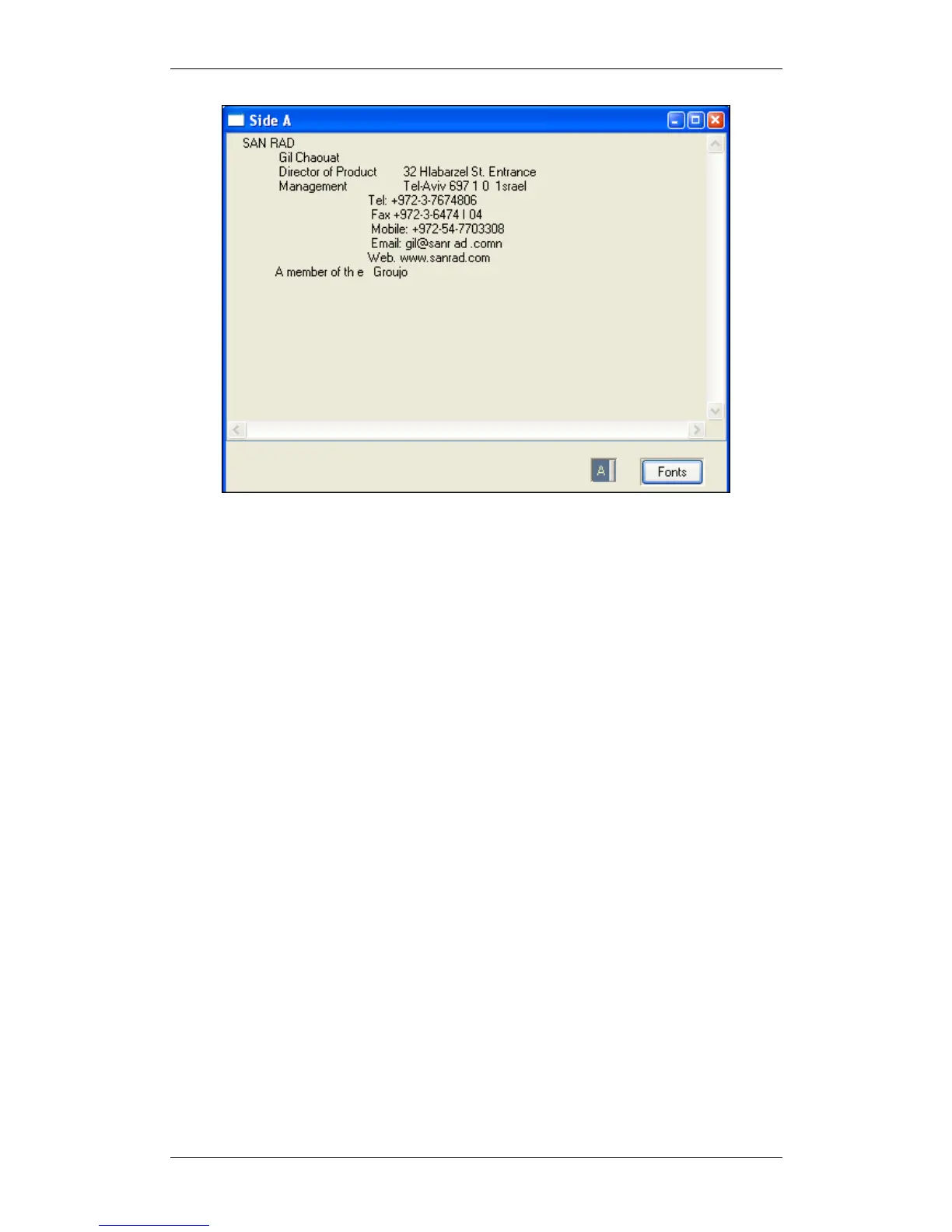
Figure 23: General Document data window
In General Document scanning mode, both sides of a document can be scanned. Use
the A/B button at the button of the window to view the two document sides.
DATA SAVING
Text data saving options are controlled from the configuration panel's Automation
tab. See Automation tab, page 56.



 To Next Page