Configuring the Program Automation tab
IdScan User Manual version 9.0
©
Card Scanning Solutions, all rights reserved 57
SCANNER BUTTON ASSIGNMENT
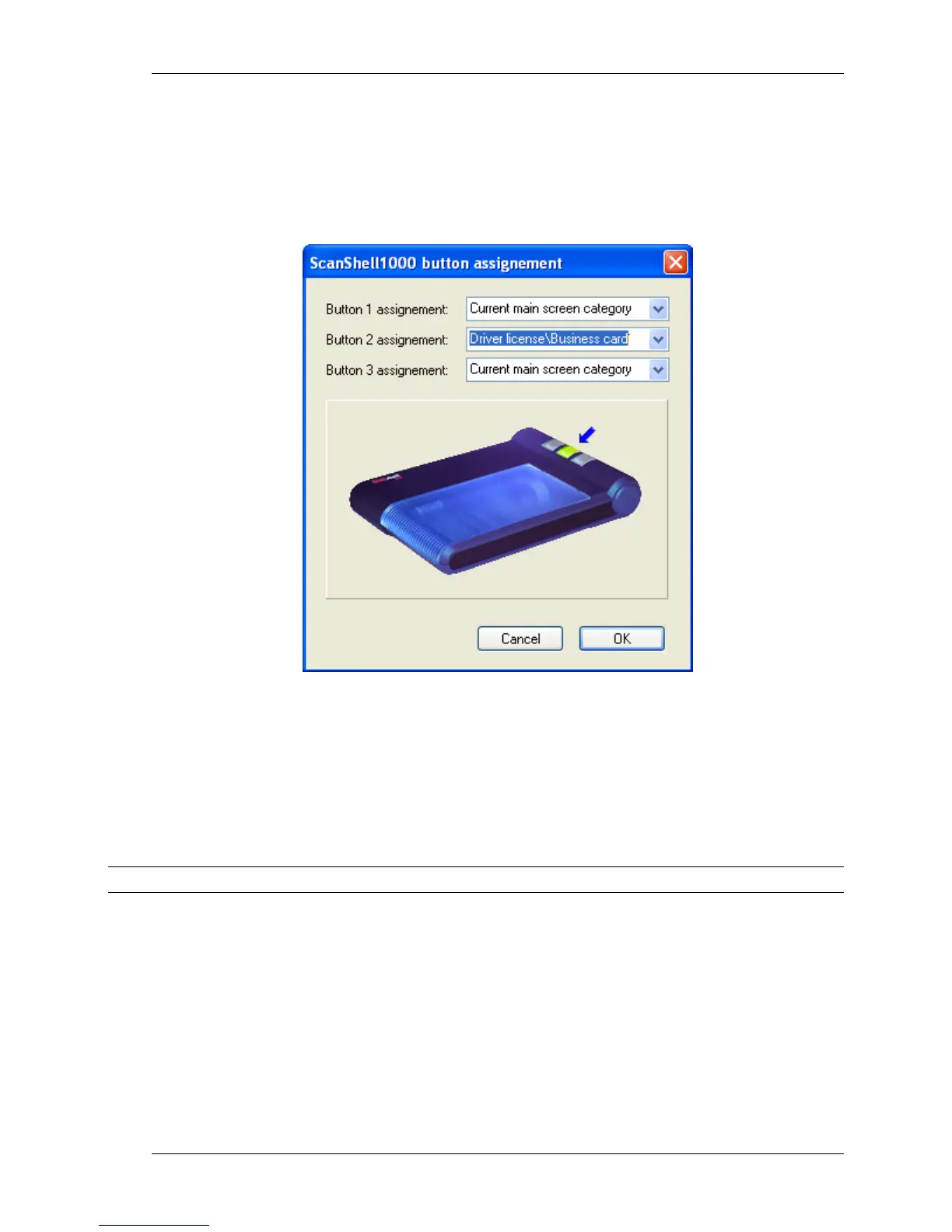
If you use the Scanshell 1000 scanner, clicking the 'Scanner button assignment' will open
the following window, allowing you to assign specific document category to each of the
scanner buttons.
Figure 30: Scanshell 1000 button configuration
To configure the Scanshell 1000 buttons:
Select a document type from the dropdown list of the desired scanner button. Note
that an arrow is marking the corresponding button in the picture.
Click OK.
Repeat the selection for the other buttons.
Note: The scanner button assignment option is available only if auto-detection is enabled.



 To Next Page