Configuring the Program Live Update Tab
IdScan User Manual version 9.0
©
Card Scanning Solutions, all rights reserved 71
LIVE UPDATE TAB
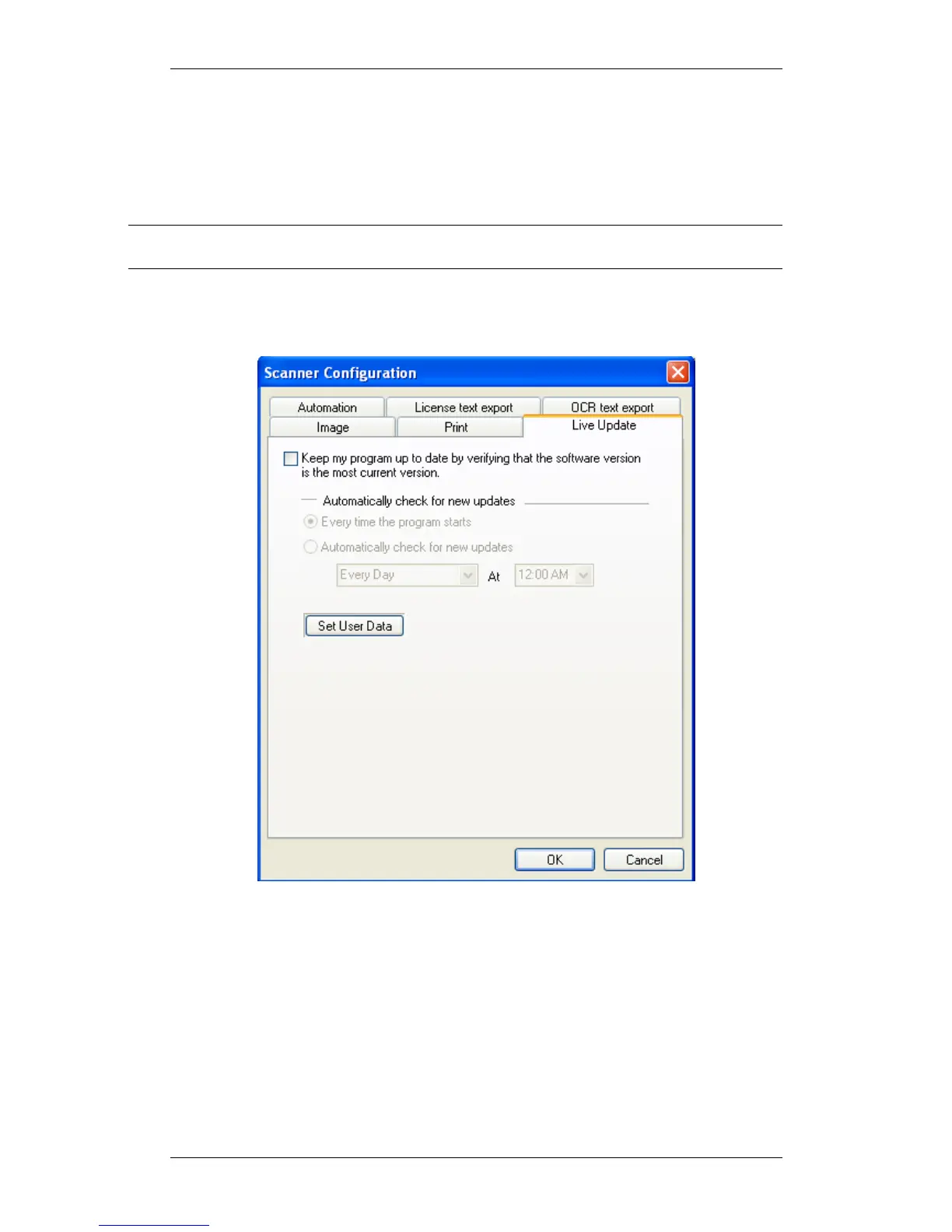
Live Update checks for updates whenever you are connected to the Internet, and
updates your program automatically with the most recent version of your program
available.
Note: If you don’t configure your software for automatic Live Update, you can still update
it manually using the Live Update button in the main screen.
To use the automatic Live Update feature, go to the Live Update tab in the
configuration screen:
Figure 40: Live Update tab
6. Check the Live Update checkbox.
7. Choose the updating frequency:
a. Every time the program is started (providing you are connected to
the Internet)
b. At preset times; Use the combo boxes to specify the updating
frequency.
8. Click on the ‘Set User Data’ button.



 To Next Page