EZ-USB Development Kit User Guide, Doc. # 001-66390 Rev. *D 29
4. Development Kit Contents
This section provides a detailed description of the structure and content of the EZ-USB DVK as it
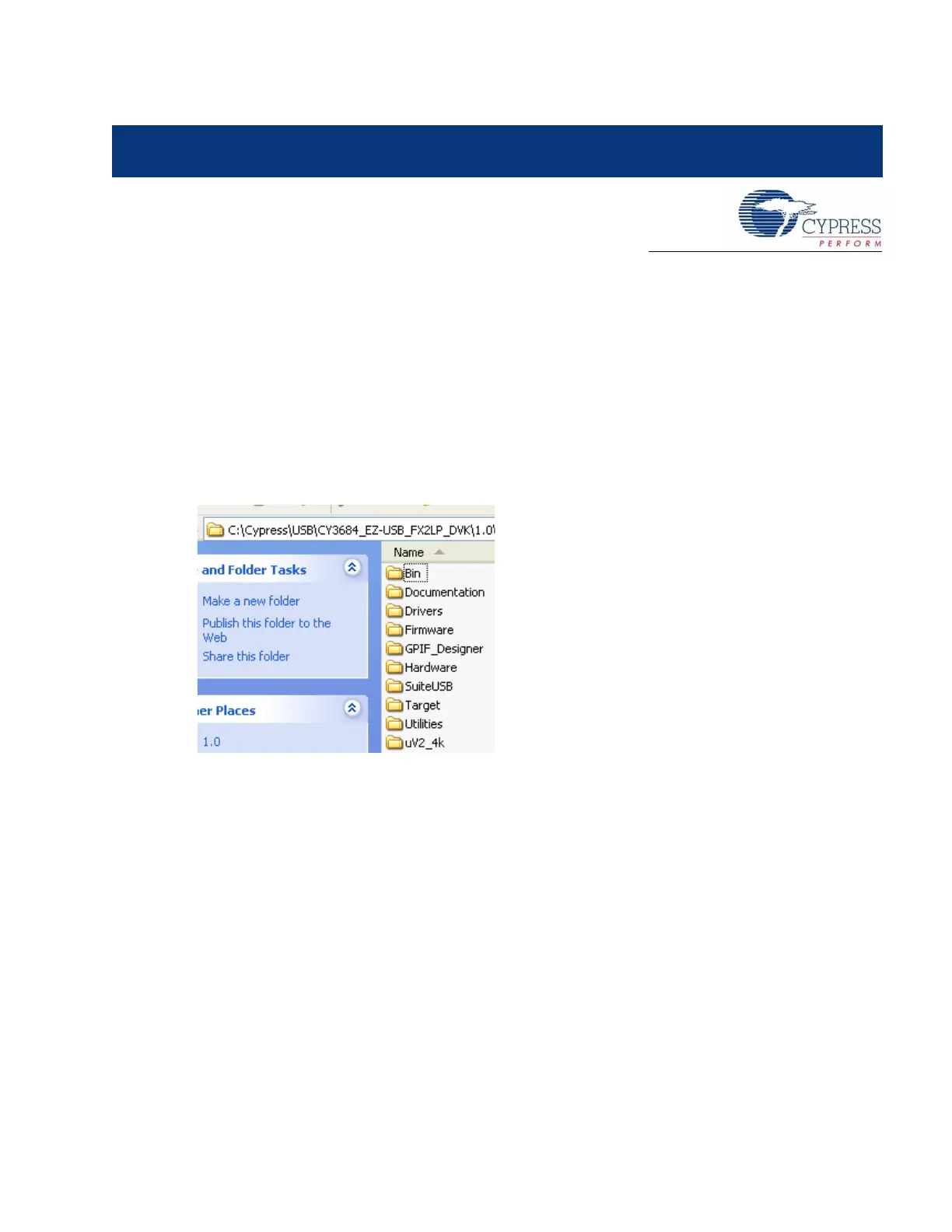
exists on a user PC after installation. The following image shows the root-level tree after DVK instal-
lation. This assumes that all the DVK components are installed (the default installation type is ‘Typi-
cal’). Subsequent sections detail the contents of each sub-directory. The DVK installer installs
several files related to the development board in the Windows directory tree as shown in Figure 4-1.
The default directory for the CY3674 kit is C:\Cypress\USB\CY3674_EZ-USB_FX1_DVK\ and for
the CY3684 kit, it is C:\Cypress\USB\CY3684_EZ-USB_FX2LP_DVK\. In further sections, the
default installation directory is referred to as <Installed_directory>, which refers to the
default directory of the respective EZ-USB kits.
Figure 4-1. CY3684 Development Kit Content Structure
4.1 Bin
This folder contains the following utilities
■ Cyscript.exe: This utility is used to generate script files for the equivalent firmware(.hex) files
■ Hex2bix.exe: This utility is used to convert a firmware image compatible to the RAM memory
(.hex) to an EEPROM image (.iic).
■ Setenv.bat: This is a batch file to set path variables for the Keil compiler and firmware examples.
Click on this batch file to set the environment variables necessary before compiling the firmware
examples of the kit.



 To Next Page