86 EZ-USB Development Kit User Guide, Doc. # 001-66390 Rev. *D
EZ-USB Development Kit Firmware Examples
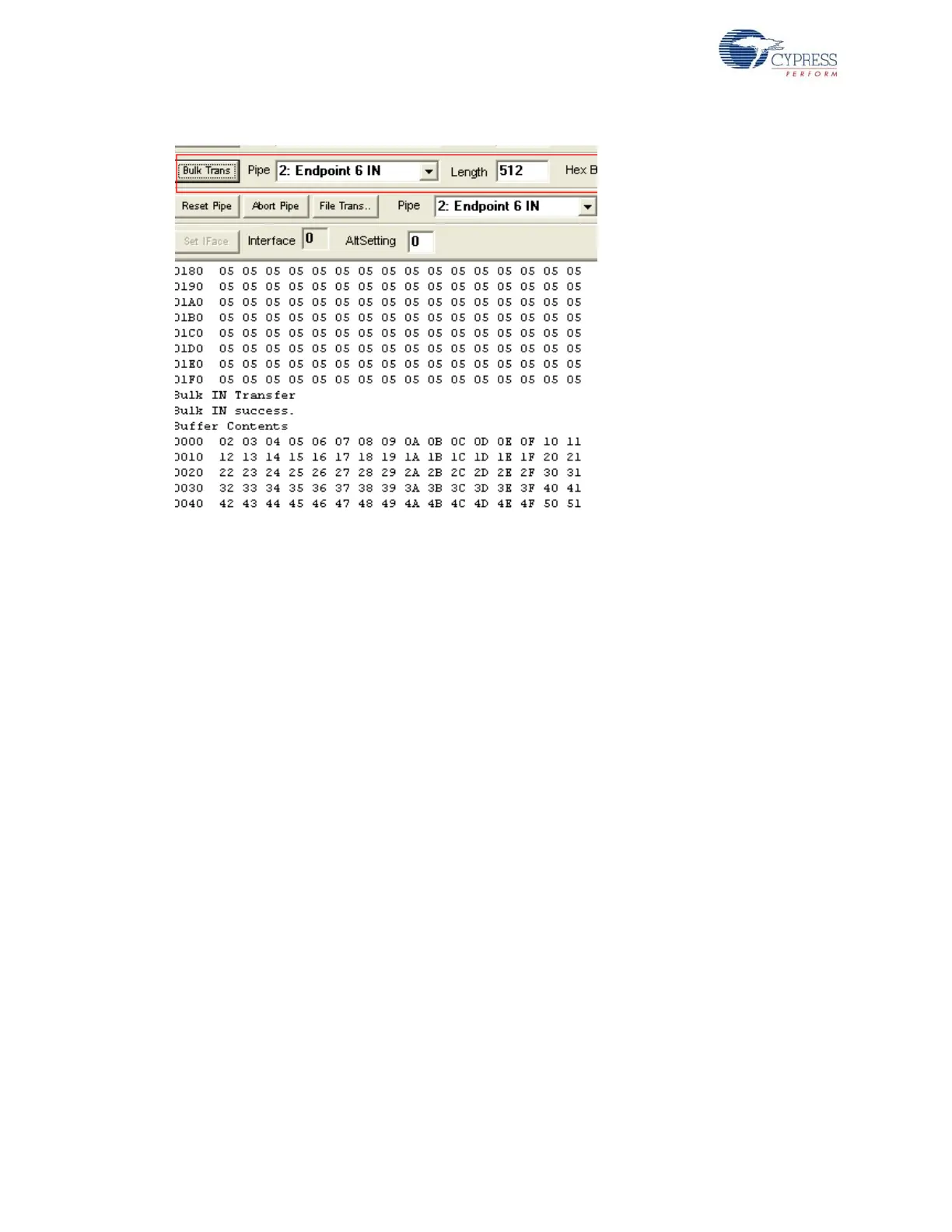
Figure 8-9. Bulk IN Data Transfer on EP6 Endpoint
■ Select the EP4 and EP8 pairs and repeat the same procedure as mentioned above. Observe that
the data transferred on EP4 is exactly looped back to EP8. Internally, the loopback is performed
through a temporary buffer (myBuffer [512]).
Note For EZ-USB FX1, the above steps can be repeated with a data transfer length of 64 bytes
instead of 512 bytes.
8.7 Bulkext Firwmare Example
8.7.1 Description
This example is exactly similar to Bulkloop example. Click on the Bulkext.uv2 project located at
<Installed_directory>\<Version>\Firmware\Bulkext and open bulkext.c in the Keil
IDE Project window. The only difference between the Bulkloop and Bulkext examples is the source
and destination buffer memory address of the Bulk endpoint pairs – EP2/EP6 and EP4/EP8. In Bulk-
loop, the endpoint FIFOs are directly used as source and destination buffers. These are internal
RAM buffers residing in the EZ-USB device. In the TD_poll() function, the endpoint EP2 data buffer
destination is defined as an external RAM memory address, 0x2800, which is in turn defined as a
source buffer to the EP6 IN endpoint. The data is copied through the AUTOPTR mechanism as
shown in the following code.
if(!(EP2468STAT & bmEP2EMPTY))
{ // check EP2 EMPTY(busy) bit in EP2468STAT (SFR), core set's this bit
when FIFO is empty
if(!(EP2468STAT & bmEP6FULL))
{ // check EP6 FULL(busy) bit in EP2468STAT (SFR), core set's this
bit when FIFO is full
// Source is EP2OUT
APTR1H = MSB( &EP2FIFOBUF );
APTR1L = LSB( &EP2FIFOBUF );
// Destination is external RAM (at 0x2800)
AUTOPTRH2 = 0x28;



 To Next Page