EZ-USB Development Kit User Guide, Doc. # 001-66390 Rev. *D 63
USB PC Host Utilities and SuiteUSB Applications
7.2.5 FxEEPROM Utility
The utlity is used to program the .iic file to either small EEPROM-U6 or Large4 EEPROM-U5 on the
EZ-USB development board.
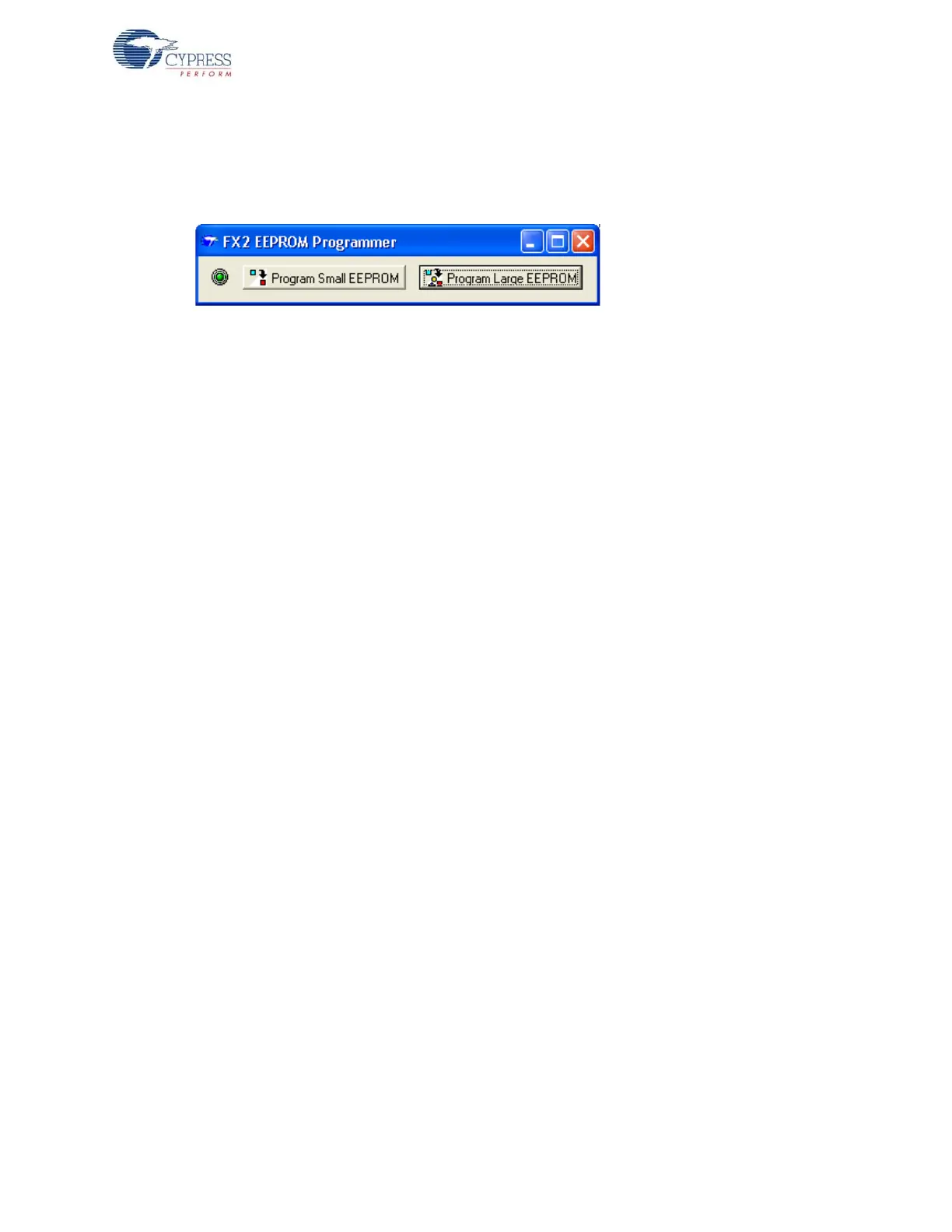
Figure 7-7. FXEEPROM Utility Display
The EZ-USB development board is connected to the Windows PC Host in the NO EEPROM mode
(SW2 to NO EEPROM side). The utility then detects the board and the relevant buttons on the .exe
are enabled. To program small EEPROM images, such as FX1_C0.iic, FX2LP_CO.iic, and
CyLoad.iic, select the SW2-EEPROM and SW1-SMALL EEPROM settings on board. Press the Pro-
gram Small EEPROM button, and browse and select the relevant image and program the .iic file. To
download bulk firmware images (0xC2 load), select the SW2-EEPROM and SW1-LARGE EEPROM
settings. Press the Program Large EEPROM button, browse to the location of the image, and finally
select the image. The image is automatically downloaded to the external EEPROM connected to the
EZ-USB device.



 To Next Page