EZ-USB Development Kit User Guide, Doc. # 001-66390 Rev. *D 9
2. Getting Started
This chapter describes the installation of the CY3684 EZ-USB FX2LP DVK software. The process is
similar for the CY3674 EZ-USB FX1 DVK.
2.1 Kit Installation
To install the kit software, follow these steps:
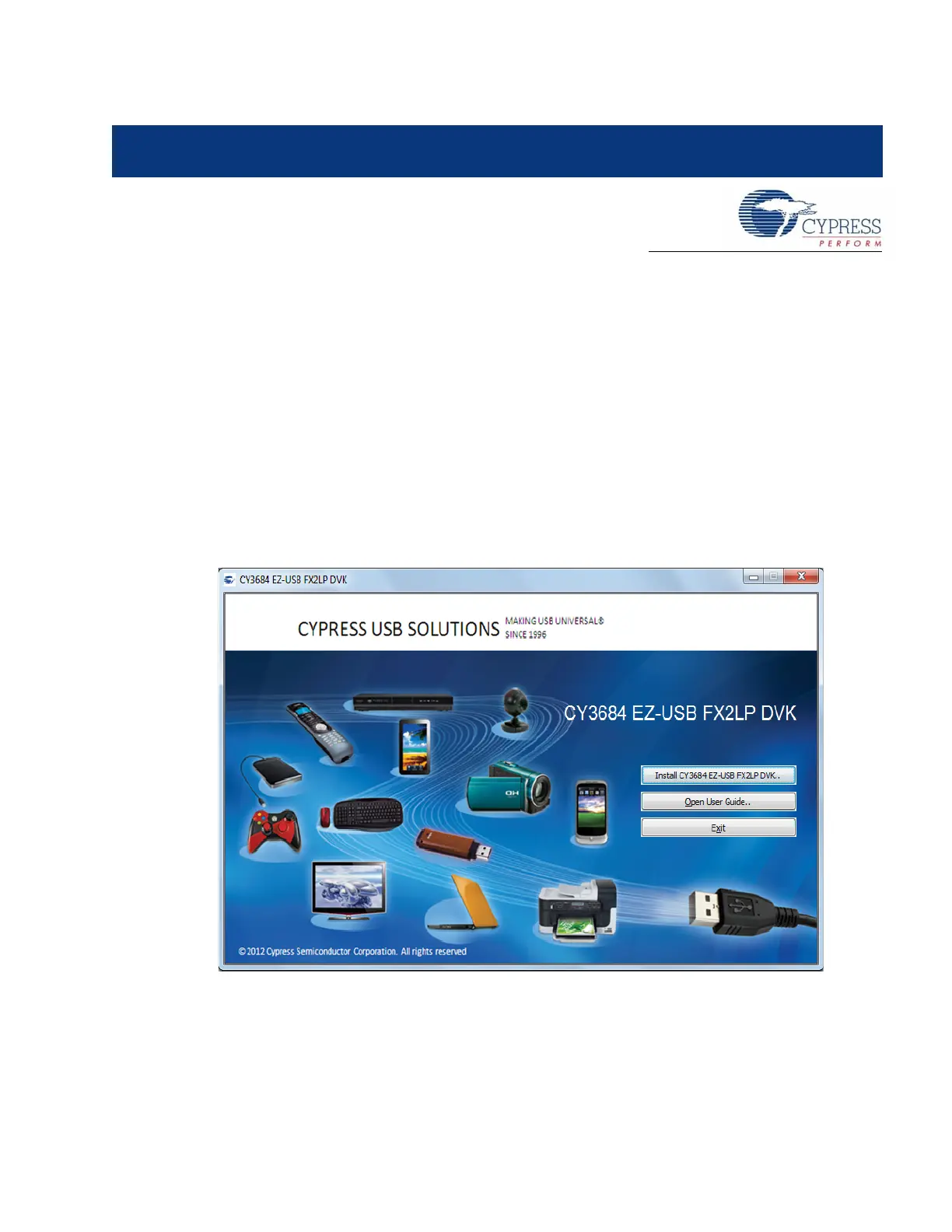
1. Insert the kit CD/DVD into the CD/DVD drive of your PC. The CD/DVD is designed to auto-run
and the kit installer startup screen appears.
You can also download the latest kit installer ISO file for CY3684 and CY3674
Create an installer CD/DVD or extract the ISO using WinRar and install the executables.
2. Click Install CY3684 EZ-USB FX2LP DVK to start the installation, as shown in Figure 2-1.
Figure 2-1. Kit Installer Startup Screen
Note For EZ-USB FX1, click on Install CY3674 EZ-USB FX1 DVK. If auto-run does not execute,
double-click on the cyautorun.exe file in the root directory of the CD.
3. The InstallShield Wizard screen appears. The default location for setup is shown on the
InstallShield Wizard screen. You can change the location for setup using Change, as shown in
Figure 2-2. Click Next to launch the kit installer.



 To Next Page